RT Systems, Inc. Blog
RT Systems, Inc. specializes in making radio programming easy by providing reliable, user-friendly software and high-quality cables for a wide range of radio brands. Our solutions simplify the complex process of managing radio memories and settings, offering a more efficient alternative to OEM software. Designed for radio enthusiasts who value precision and ease of use, our products ensure a seamless programming experience that saves time and eliminates technical frustration.
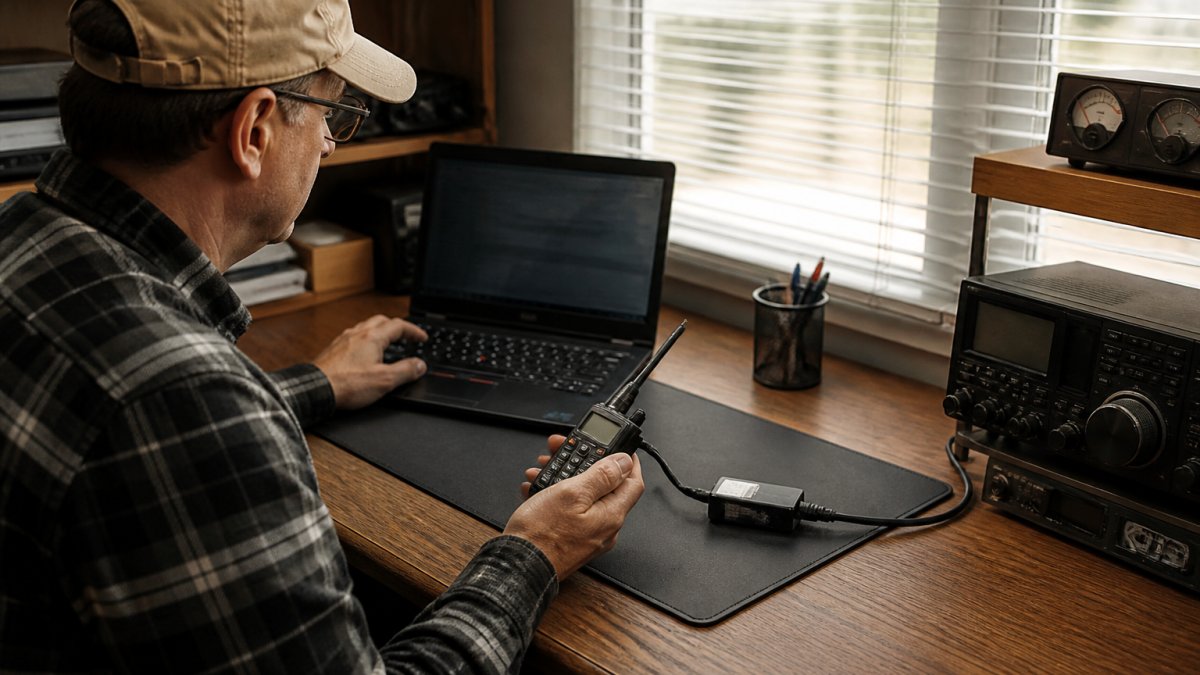
Amateur Radio Software Compatibility Check: A 2026 Guide
Check amateur radio software compatibility with your transceiver, operating system, and cables. Step-by-step guide to verify support before buying.
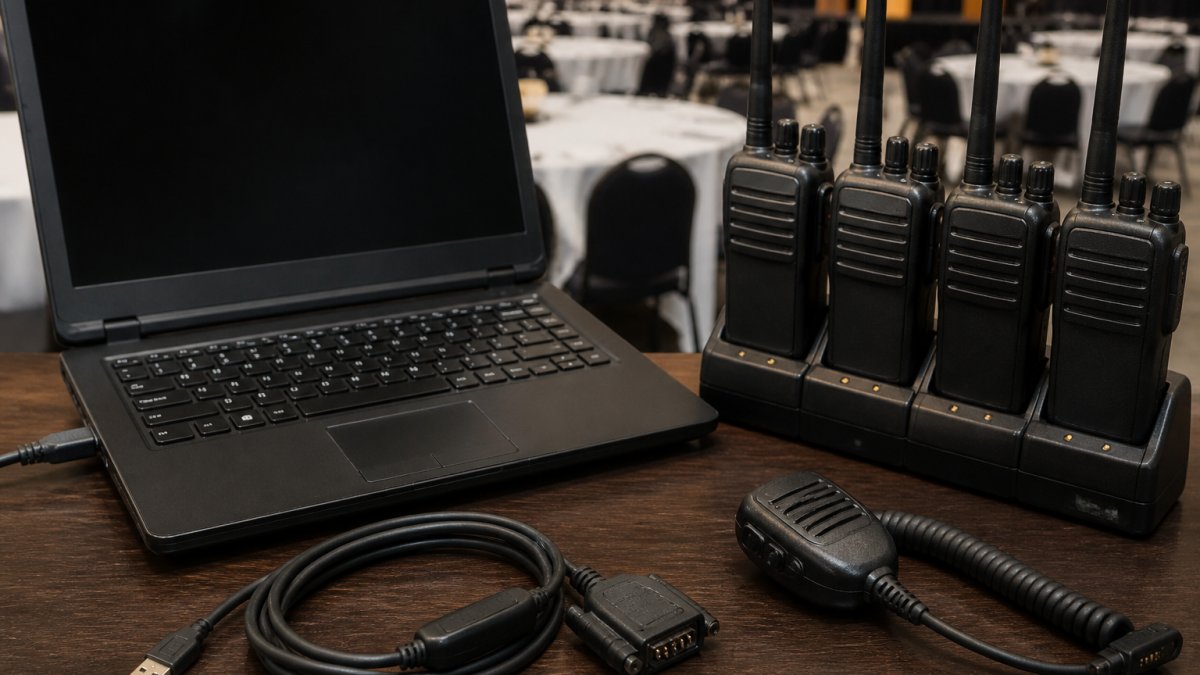
Radio Programming Tools for Club Events: A How-To Guide
Learn how to use radio programming tools and software to set up channels, manage frequencies, and coordinate broadcasts for club events step by step.
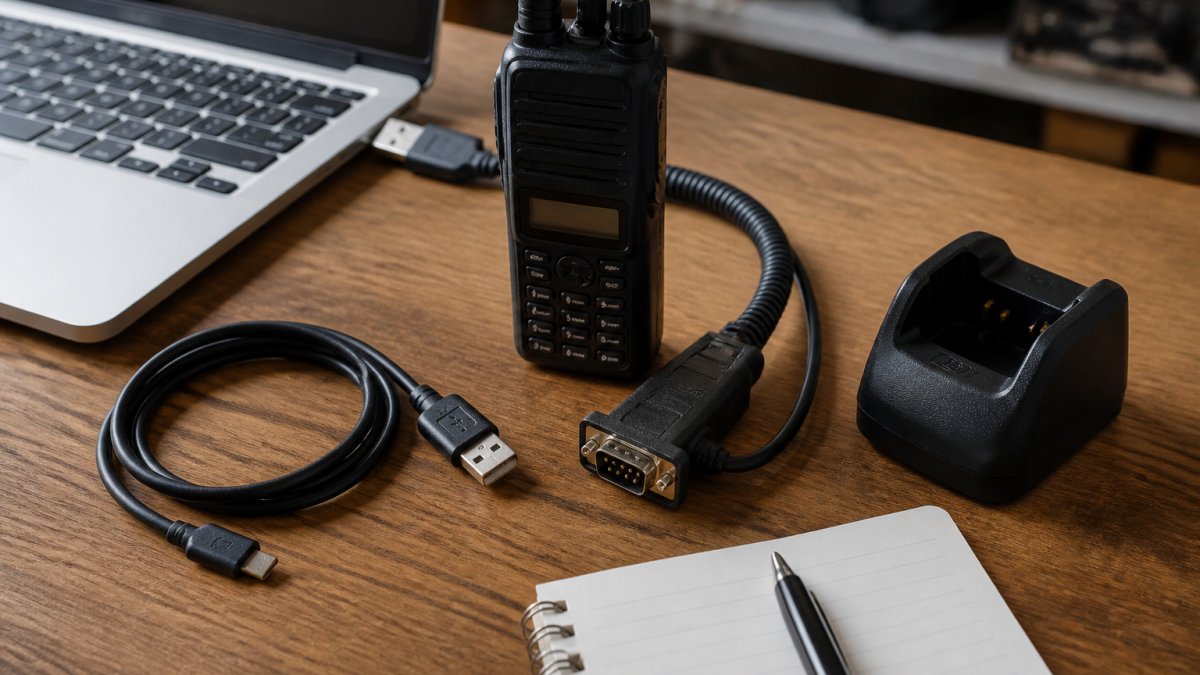
Is There Software for My Radio? A 2026 Guide
Find out if software exists for your radio model. Learn how to program radios with computers, check compatibility, and troubleshoot common issues.
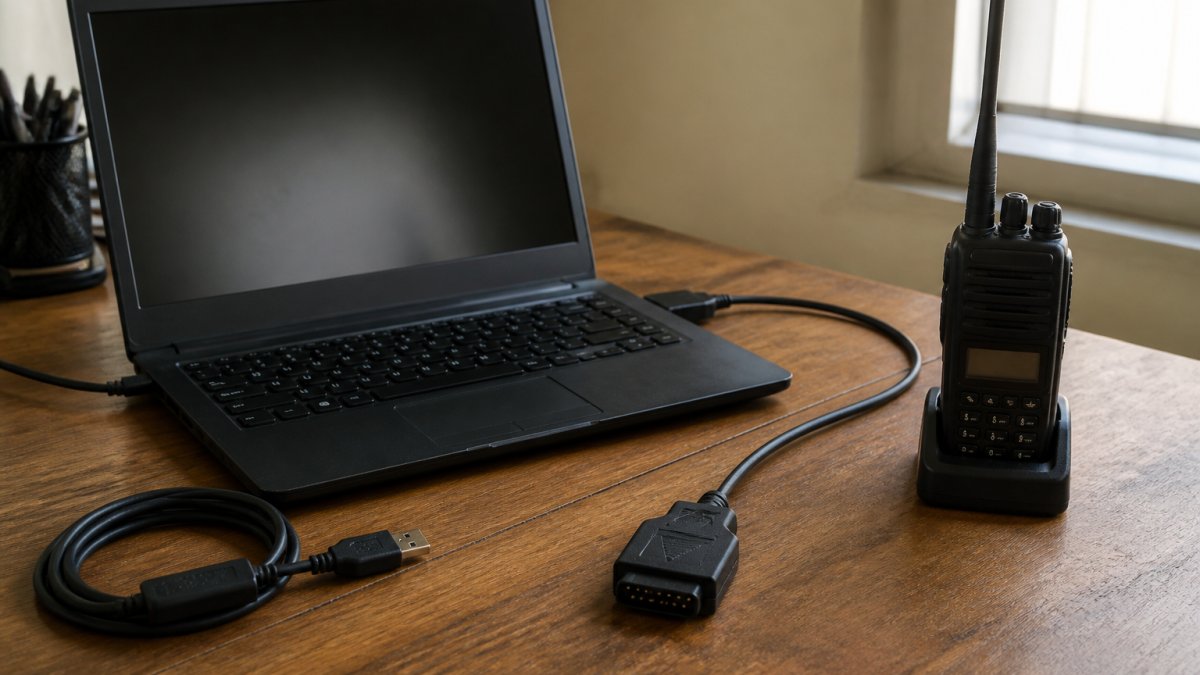
D-STAR Radio Setup Guide: Programming Software & Steps
Learn how to set up D-STAR radio programming software, configure memories, and connect your radio to your computer. Step-by-step guide for beginners.
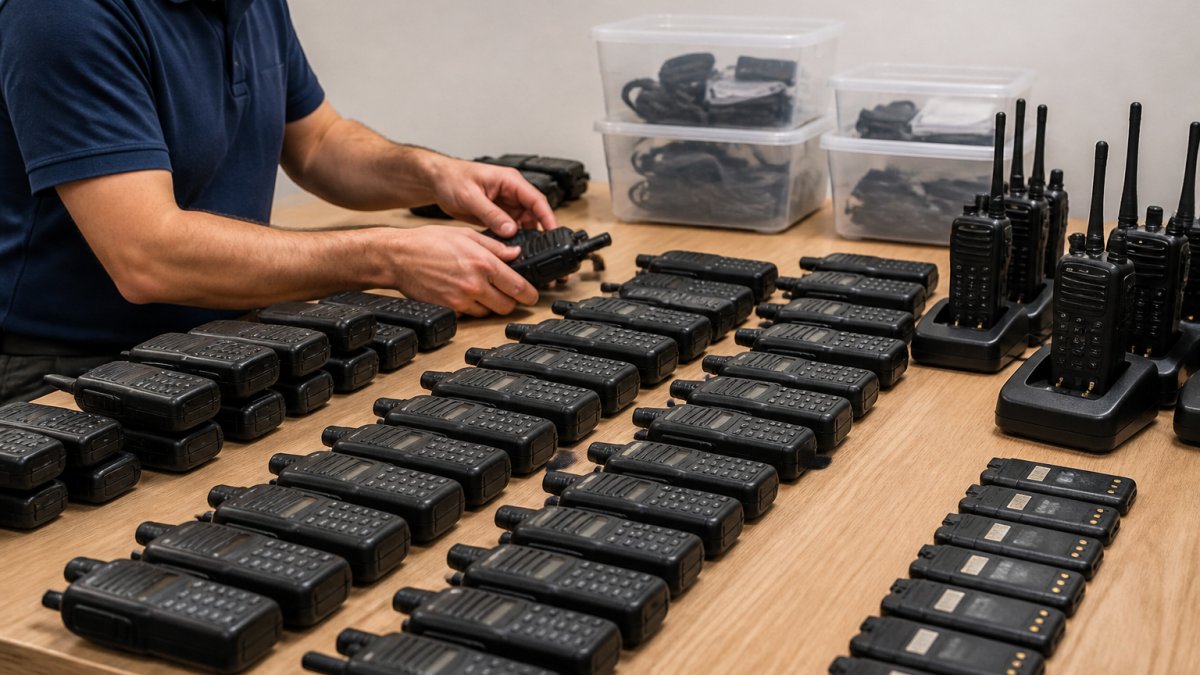
How to Organize Large Repeater Lists
Organize large repeater lists efficiently with step-by-step methods for grouping, naming, deduplicating, and backing up your radio channel data.
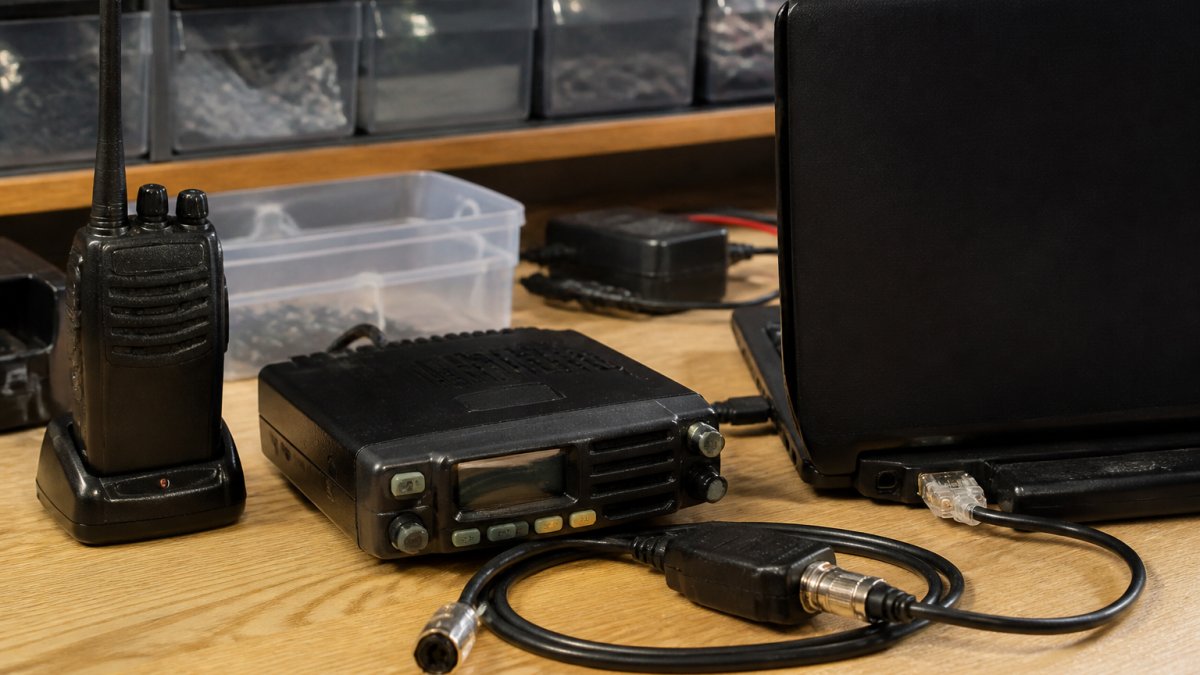
Can You Program Old Kenwood Radios? A Complete Guide
Yes, you can program older Kenwood radios. Learn which models work, what software and cables you need, and step-by-step instructions to get started.
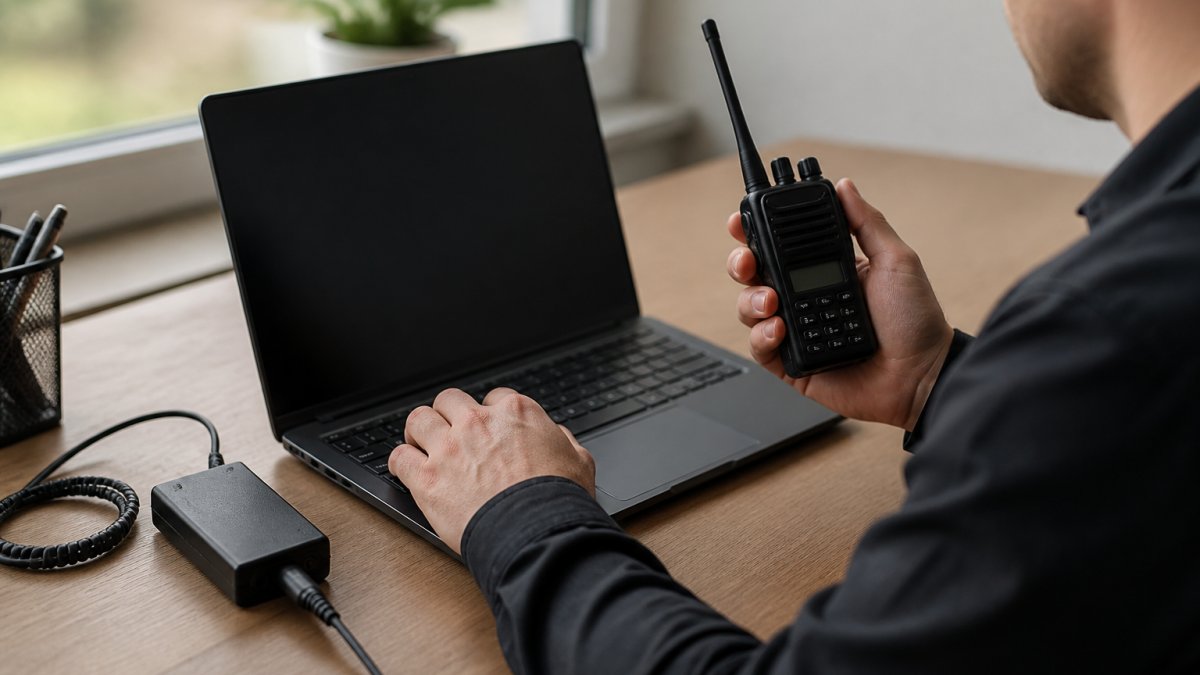
Customizing Radio Settings With Software: A Step-by-Step Guide
Learn how to customize radio settings with software. Step-by-step guide covering programming cables, memory channels, and backup procedures.
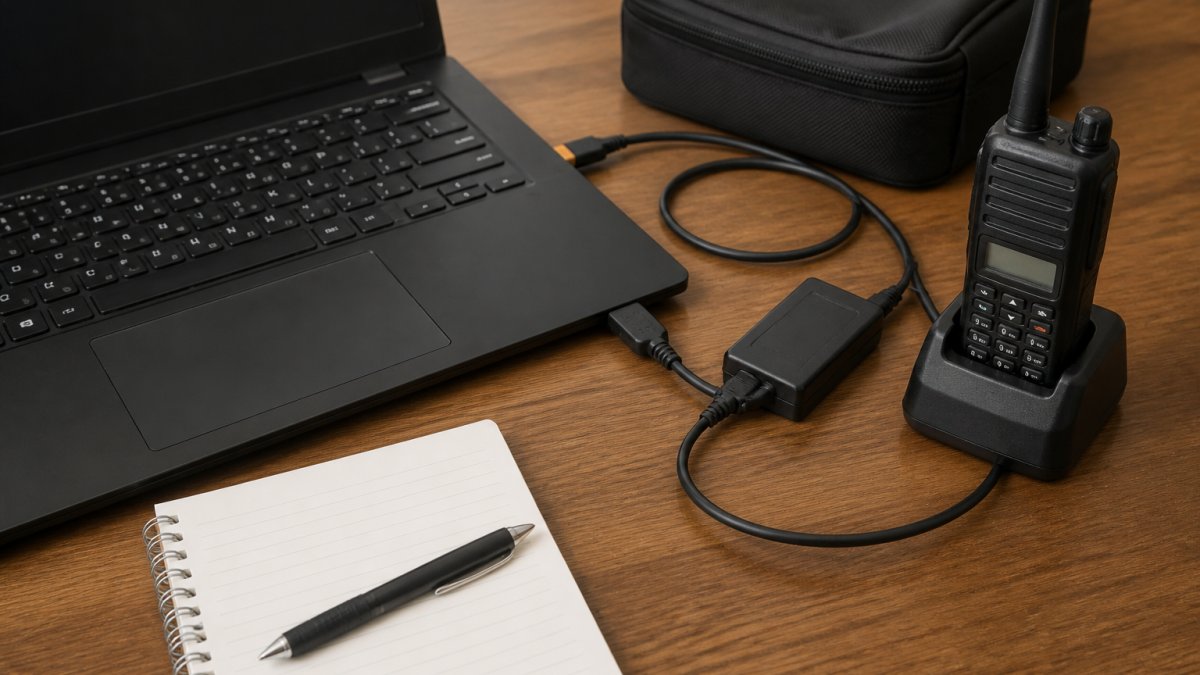
How to Backup Radio Memory Settings: A 2026 Guide
Learn how to backup radio memory settings safely. Step-by-step guide covering battery backup, configuration files, cloning, and cloud storage options.
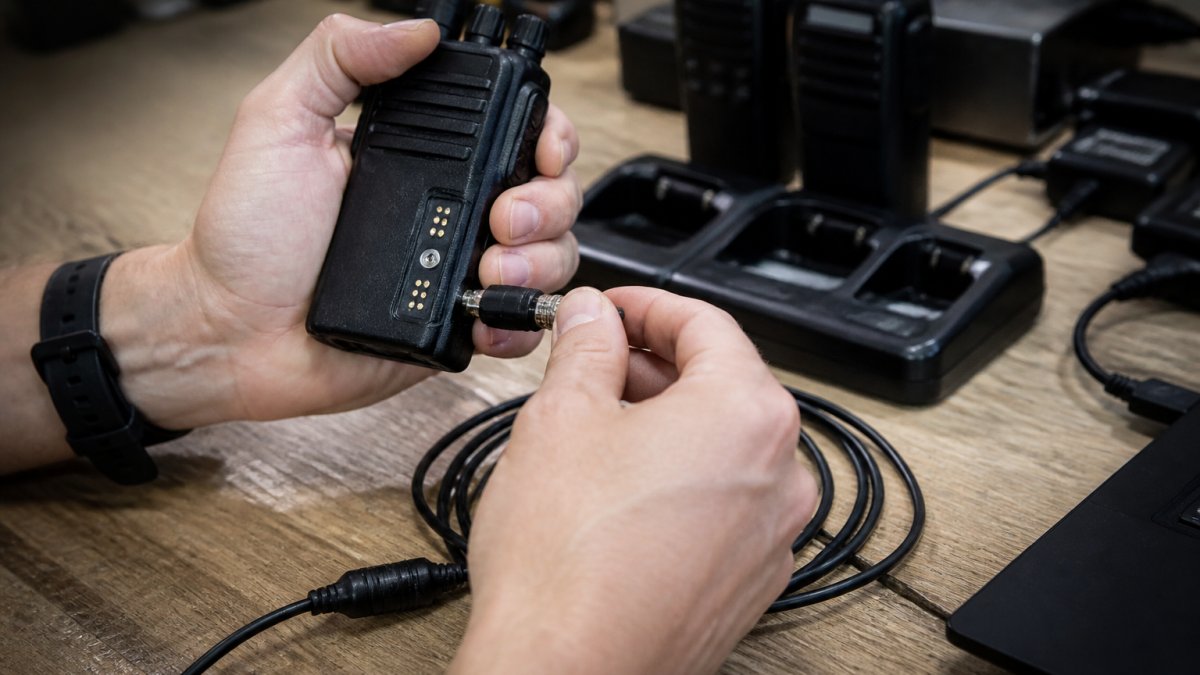
Troubleshooting Radio Cable Connection Issues: A Step-by-Step Guide
Fix radio cable connection problems with this step-by-step diagnostic guide. Test voltage, inspect connectors, and resolve driver errors quickly.
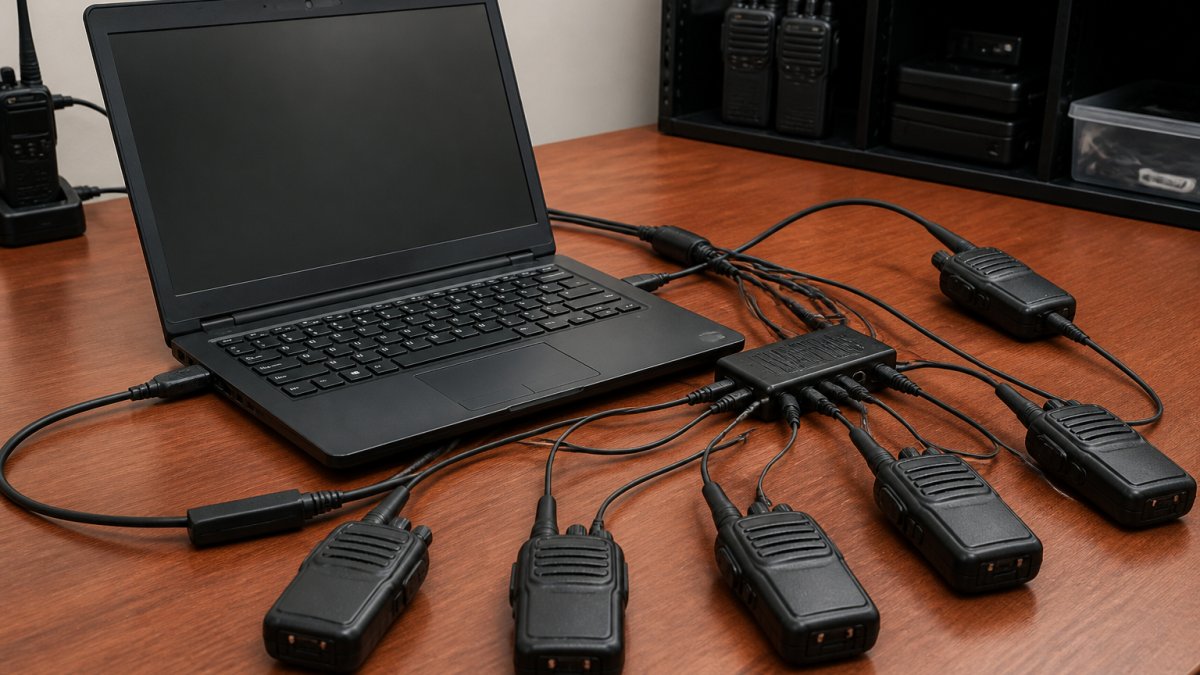
Managing Multiple Radios With One Software
Learn how to control multiple radios with one software platform. Setup guide covers CAT control, virtual COM ports, and antenna integration.
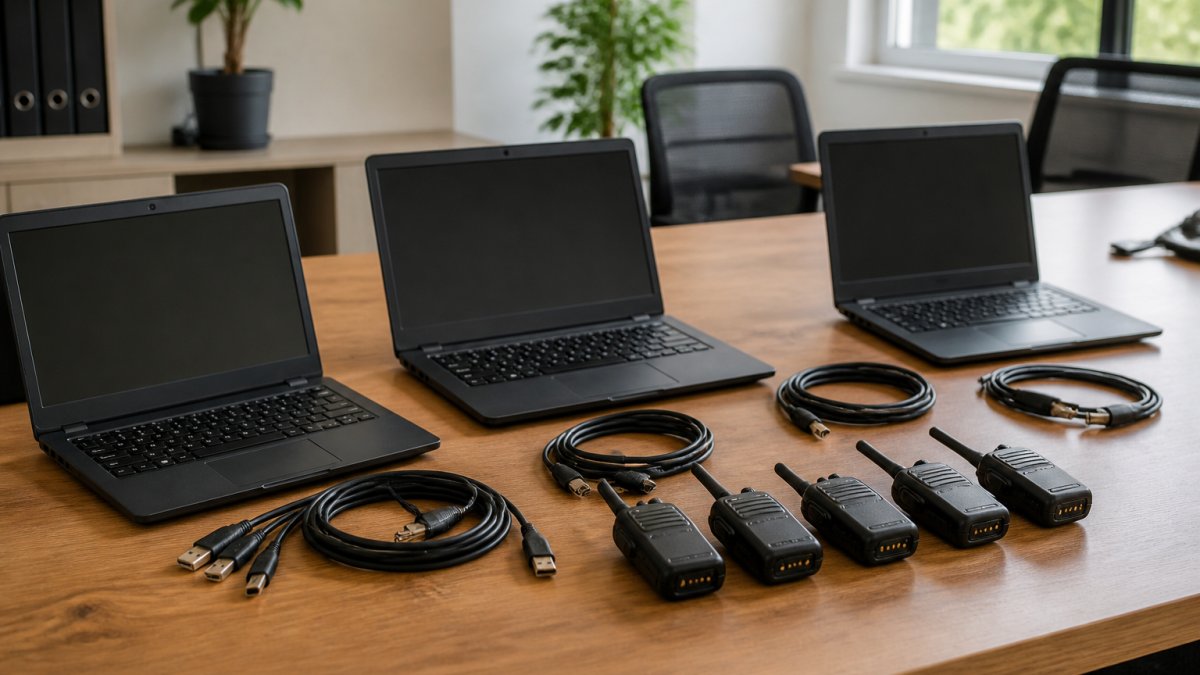
Radio Software License for Multiple Computers
Learn how to install radio programming software on multiple computers. Understand activation limits, deactivation, and license transfer options.
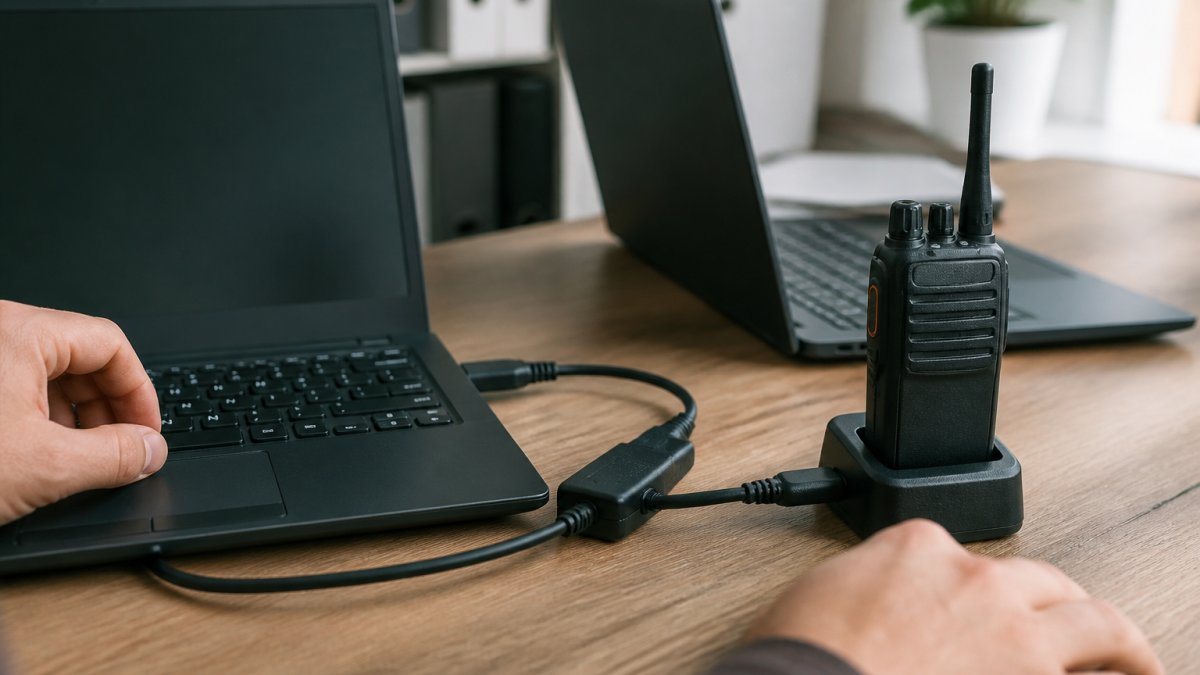
Move Radio Settings to New Computer: A Step-by-Step Guide
Learn how to move radio settings to a new computer safely. Backup, export, and restore your configuration files with our step-by-step guide. Discover best.