 how-to
Radio Software License for Multiple Computers
Table of Contents
- Understanding Radio Software Licensing Models
- RT Systems Software Activation Limits and Installation
- Deactivating and Transferring Your Radio Programming Software License
- Subscription vs. Perpetual License Models
- License Portability for Hardware Failure and Upgrades
- How to Purchase Radio Programming Software Online
- Troubleshooting Activation and Multi-Machine Setup Issues
- Conclusion
- Frequently Asked Questions
Last Updated: October 2, 2026
Understanding Radio Software Licensing Models
Radio software licensing can feel like navigating a maze. Most hobbyists don't realize that different software vendors use completely different rules for obtaining a radio software license for multiple computers. Some lock you to a single machine. Others allow installation on multiple devices. The difference comes down to how the license is structured.
There are two main licensing approaches in the radio software world. Hardware-locked licenses tie activation to a specific computer's unique identifier. Account-based licenses tie activation to your user account instead. Understanding which model your software uses is crucial before you buy.
According to Frontiers in Education research on Software-Defined Radio systems, the flexibility of software-based solutions has driven adoption across the amateur radio community. But that flexibility only matters if your licensing model supports it.
RT Systems Software Activation Limits and Installation
RT Systems, Inc. makes programming software for dozens of radio brands. Their licensing approach reflects the real-world needs of radio enthusiasts who work across multiple machines.
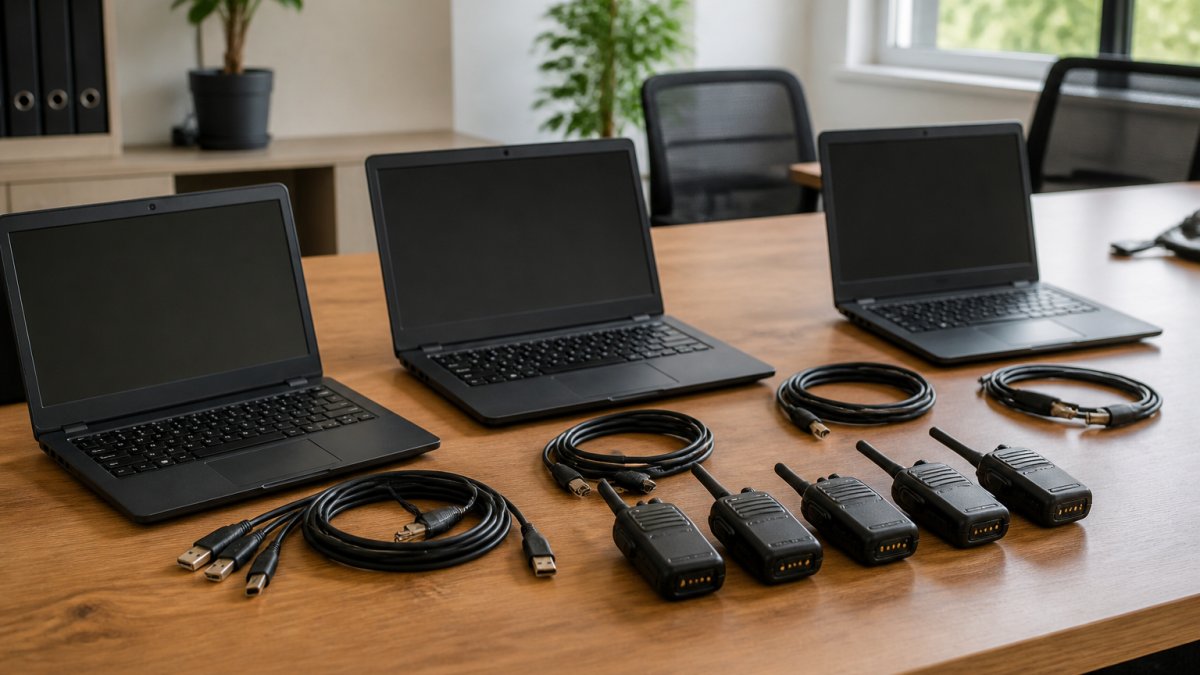
The key limitation: the software cannot run simultaneously on multiple computers. You activate it on one machine, use it there, then deactivate before moving to the next.
This model works well for most hobbyists. You program your radio at home on your main desktop. Later, you move the license to your laptop for portable operation at a club meeting. Then back to your workstation when you get home. The process takes minutes once you understand the steps.
Single-User vs. Multi-User Licensing
Single-user licensing means one person owns and uses the software. That person can install it on multiple machines (if the license allows), but nobody else can use those installations. This is standard for hobby radio software.
Multi-user licensing allows multiple people to use the same license simultaneously. This is rare in the amateur radio space. It's more common in enterprise environments where teams share tools. Most radio programming software is single-user only.
The distinction matters if you share a radio or want family members to program their own radios. You'd each need separate licenses under single-user terms. Some users find this frustrating, but it protects the vendor's business model.
Hardware-Locked vs. Account-Based Activation
Hardware-locked activation ties your license to a specific computer's machine ID. This is a unique identifier based on your hardware configuration. If you upgrade your motherboard or move to a new computer, the license won't work. You'll need to contact the vendor for a reactivation.
Account-based activation ties your license to your username and password instead. You log in on any computer and activate from there. This approach is more portable. If your hardware fails, you just log in on a replacement machine and reactivate. No vendor contact needed.
Your license is tied to your user account, but activation is managed through their system. This gives you flexibility while protecting against unauthorized sharing.
Deactivating and Transferring Your Radio Programming Software License
Moving your radio software to a new computer requires deactivation first. This tells the vendor's system you're no longer using the license on your old machine. Only then can you activate on your new one.
The process is straightforward, but the steps vary slightly by software vendor. RT Systems, Inc. provides clear deactivation instructions in their support documentation.
Steps to Deactivate on Your Current Computer
Start by opening the software on the machine where it's currently active. Look for a menu option labeled "License," "Activation," "Account," or "Help." The exact wording depends on which RT Systems, Inc. product you're using.
Find the "Deactivate" or "Remove License" option. Click it. The software will ask you to confirm. This step removes the license from your current machine's machine ID and frees up that installation slot.
You'll get a confirmation message. Write down or screenshot this confirmation. You don't always need it, but having proof is helpful if something goes wrong during reactivation.
After deactivation, the software will either close or revert to a trial/demo mode. This is normal. Your license is now unattached from this computer.
Reactivating on a New Machine or Workstation
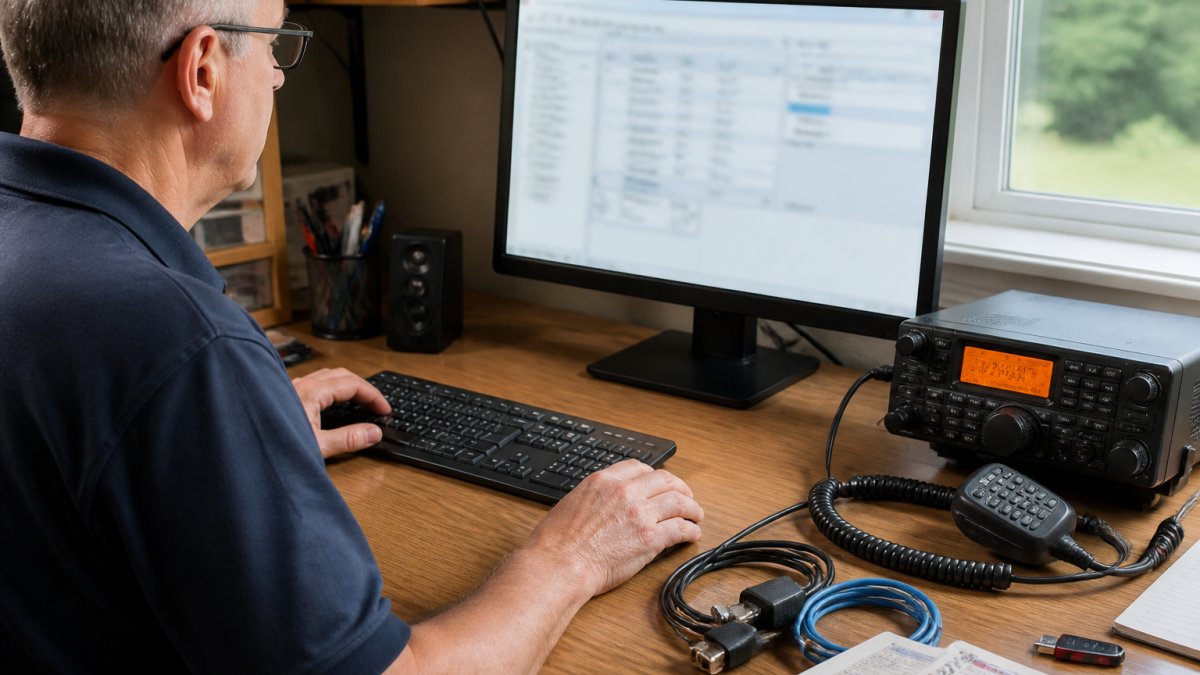
Install the software on your new computer using the original installer. When you launch it for the first time, you'll see an activation screen. This is where you enter your license key or log into your account (depending on the vendor's system).
For RT Systems, Inc. software, enter your license key or user credentials. The system validates your key against their server. If the key is valid and you haven't exceeded your installation limit, activation completes within seconds.
You're now ready to use the software on your new machine.
If activation fails, check these common issues:
- Your internet connection is working (activation requires a server check)
- You entered the license key correctly (copy-paste is safer than typing)
- You've deactivated on your previous machine (if you hit the three-computer limit)
- Your license hasn't expired (some licenses have annual renewal terms)
Contact RT Systems, Inc. support if you're still stuck. They can verify your license status and manually reset your activation if needed.
Subscription vs. Perpetual License Models
Most radio programming software uses perpetual licenses. You buy it once and own it forever. No recurring fees. You can use it indefinitely on your licensed computers.
Some vendors now offer subscription models. You pay annually or monthly. When your subscription expires, the software stops working. This model is less common in amateur radio but growing in professional radio and software in general.
Perpetual licenses have a higher upfront cost. But over five years, they're usually cheaper than subscriptions. You also own your license outright. If the vendor goes out of business, your software still works.
Subscriptions have lower entry costs. You pay small amounts regularly instead of one big payment. But you never own the software. You're renting access. If you stop paying, you lose access.
License Portability for Hardware Failure and Upgrades
What happens when your computer dies? Or you upgrade to a new machine? Your license should move with you. This is where portability matters.
With hardware-locked licenses, you're stuck. The license is tied to a dead machine's machine ID. You can't activate on new hardware without vendor intervention. Some vendors will help you. Others won't. It's frustrating.
Account-based licenses solve this problem. Your license lives in your account, not on your hardware. If your computer fails, you buy a replacement and log in. Activation happens immediately. No downtime. No vendor contact needed.
Liberty University's research on Software-Defined Radio portability highlights how software-based systems offer superior flexibility compared to hardware-dependent approaches. This principle applies directly to licensing portability.
How to Purchase Radio Programming Software Online
Troubleshooting Activation and Multi-Machine Setup Issues
Activation problems are rare, but they happen. The most common issue is exceeding your installation limit. If you've installed on three machines and try to activate on a fourth, activation fails.
Conclusion
Managing radio software licenses across multiple computers doesn't have to be complicated. The key is understanding whether your software uses hardware-locked or account-based activation. Then follow the deactivation and reactivation steps in the right order.
| Licensing Model | Best For | Key Advantage | Main Limitation |
|---|---|---|---|
| Hardware-Locked | Single permanent machine | Prevents unauthorized sharing | Fails when hardware changes |
| Account-Based | Multiple machines, portability | Works after hardware failure | Requires internet for activation |
| Perpetual License | Long-term ownership | No recurring fees | Higher upfront cost |
| Subscription License | Frequent updates, professional use | Lower entry cost | Ongoing fees, access lost when expired |
Frequently Asked Questions
Can I install radio software license for multiple computers at the same time?
Most radio programming software uses a per-installation license model. You must deactivate the software on your current computer before activating it on another machine. Some providers offer concurrent-user or multi-seat options, but these require separate licensing agreements. Check your end-user license agreement (EULA) or contact technical support to confirm your specific software's activation limits.
How do I transfer a radio software license to a new computer?
To transfer your radio programming software license: First, open the software on your current computer and locate the deactivation or de-register option in the Help or License menu. Complete the deactivation process. Next, install the software on your new computer and use the same license key during activation. The software will validate your entitlement against the vendor's server. If you encounter issues, contact technical support with your license key and serial number.
What's the difference between concurrent users and installed seats for radio software?
Concurrent-user licensing allows a set number of people to use the software simultaneously across multiple machines, but only that many users can be active at once. Installed-seat licensing restricts how many computers can have the software installed total, regardless of how many people use it at the same time. Understanding your licensing model helps you plan multi-machine setups for portable operation, home shack expansion, or hardware upgrades.
Does RT Systems software allow for multiple computer installations?
You can install the software on different computers, but you must deactivate it on one workstation before activating it on another. This per-installation model protects the software while allowing flexibility for users who upgrade hardware, work between a desktop and portable shack setup, or travel with their radio equipment. Contact RT Systems technical support for information about volume licensing or special arrangements for club use or professional installations.