 blog
blog
Purchase Radio Programming Software Online: A 2026 Guide
Table of Contents
- What Radio Programming Software Does and Why You Need It
- Understanding Compatibility: Radio Models and Operating Systems
- Ham Radio Programming Cable: Choosing the Right Hardware Connection
- Best Practices for Radio Configuration and Memory Management
- How to Program GMRS Radios and Other Frequency Types
- Free vs. Paid Solutions: What You Actually Get
- Security Risks and Safe Purchasing Practices
- Getting Started: Download, Installation, and First Setup
- Frequently Asked Questions
Last Updated: September 18, 2026
What Radio Programming Software Does and Why You Need It
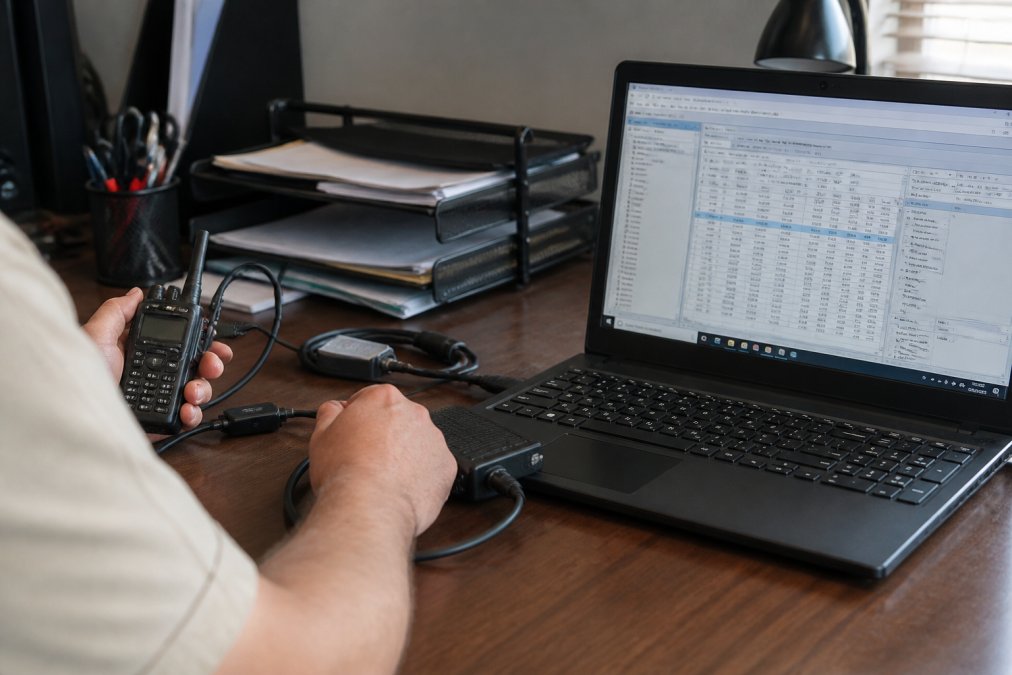
Radio programming software manages the complex settings that control how your two-way radio operates. Without it, you'd manually adjust frequencies, memory channels, and repeater offsets using your radio's tiny keypad, error-prone and slow. The right radio programming software lets you configure dozens of channels in minutes instead of hours.
Most radio enthusiasts start with their radio's original manufacturer software, but hit limits: clunky interfaces, poor multi-brand support, or compatibility issues with modern operating systems. Third-party solutions like RT Systems, Inc. offer more intuitive alternatives, prioritizing ease of use and reliability.
The real value emerges when managing multiple radios or specialized modes. Programming D-Star, GMRS, or LMR fleets requires software that handles technical details without requiring you to become an engineer.
Understanding Compatibility: Radio Models and Operating Systems
Compatibility is where many buyers stumble. Before purchasing radio programming software online, verify three things: your radio model, your operating system, and the cable type your radio requires.
Operating System Compatibility Matrix
Most radio programming software was built for older Windows versions. Here's what you need to know:
Windows:
- Windows 11 (22H2+): Most modern software runs natively. Older software (pre-2015) may require compatibility mode.
- Windows 10 (21H2+): Broad compatibility.
- Windows 7 and earlier: End-of-life; many vendors no longer test against these versions.
macOS:
- macOS 13 (Ventura) and later: Intel and Apple Silicon support varies by vendor. Some software requires Rosetta 2 for Apple Silicon Macs.
- macOS 12 (Monterey): Generally supported.
- macOS 11 and earlier: Legacy software only.
Linux:
- Ubuntu 20.04 LTS and later: CHIRP and some third-party tools offer native builds. Most commercial software does not.
Verify the software vendor explicitly lists your OS version on their compatibility page. "Windows compatible" often means Windows 7 or 10, not Windows 11. Contact vendor support before purchasing if your OS isn't listed.
Radio Model and Manufacturer Compatibility
Different manufacturers, Yaesu, Kenwood, Icom, Motorola, Baofeng, each use different firmware and memory structures. Check the software vendor's compatibility list against your specific radio model and year. A Yaesu FT-65R (2019) may differ from an FT-65E (2021 revision). Confirm your exact model is listed, not just the product line.
Cable Compatibility and Driver Requirements
Most modern radios use USB interfaces with FTDI chipsets for reliable data transfer. Your computer must have the correct drivers installed. FTDI cables require FTDI drivers (free but must be installed separately on Windows). macOS and Linux often include them natively, but Windows users frequently skip this step.
When purchasing radio programming software online, confirm the cable connector matches your radio's port, uses an FTDI chipset, includes driver instructions, and is explicitly listed as compatible with your model. A cable that fits physically but uses the wrong pinout will appear to work until uploading fails. RT Systems, Inc. supplies cables specifically engineered for their supported radio models.
Ham Radio Programming Cable: Choosing the Right Hardware Connection
A programming cable is the physical bridge between your computer and radio. Cable quality directly affects reliability and data integrity.
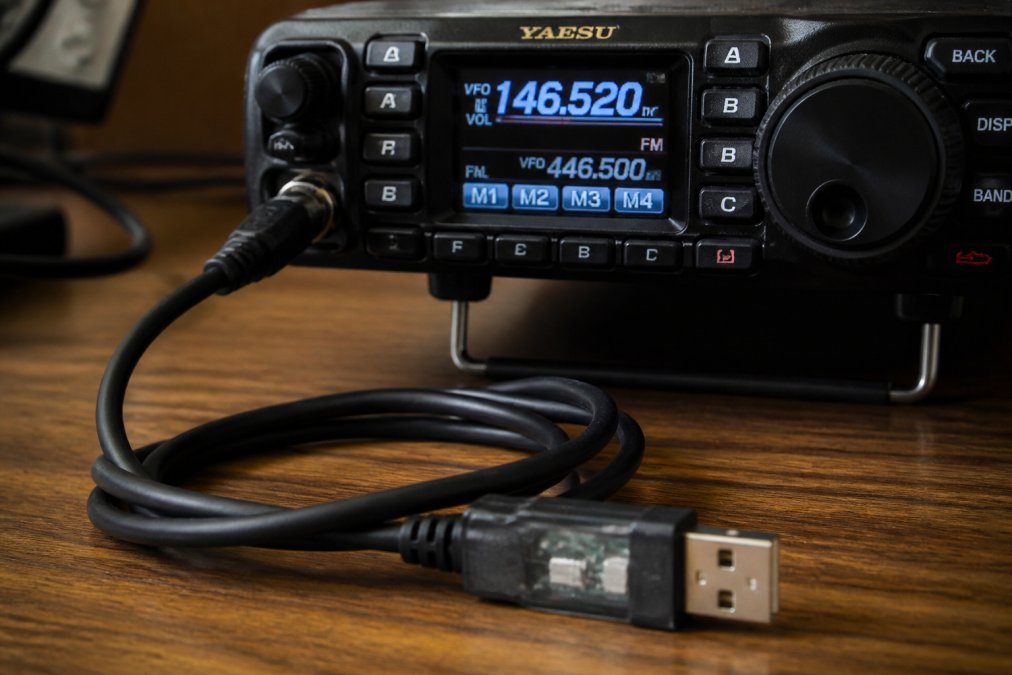
Most modern cables use USB connections with FTDI chipsets for stable data transfer across Windows, macOS, and Linux. Cheaper knock-off cables use generic chipsets that drop packets or corrupt your codeplug. Verify your cable matches your radio's connector type, Yaesu, Kenwood, and Icom use different connectors. RT Systems, Inc. supplies cables specifically engineered for their supported radio models.
Best Practices for Radio Configuration and Memory Management
Start by planning your channel layout before entering frequencies. Decide how many channels you need and how you'll organize them, by repeater, geographic area, or mode. Your scheme should match how you actually use the radio.
Most radio programming software lets you bulk-import channels from a database, saving enormous time. For 200+ frequencies across multiple radios, import capability is essential. The software should filter by frequency range, mode, or location.
Backup your codeplug regularly. A codeplug is your radio's complete configuration, all frequencies, offsets, squelch settings, tones, and codes. Good radio programming software makes backups automatic and enables quick restoration.
How to Program GMRS Radios and Other Frequency Types
GMRS radios operate under FCC regulations specifying frequency allocations, power limits, and repeater access rules. Your radio programming software must enforce these constraints. Programming GMRS requires setting repeater offsets correctly, GMRS uses specific frequency pairs with fixed offsets by regulation. Your software should handle this automatically.
Each frequency type, ham radio, LMR, digital mobile radio, has its own rules and technical requirements. Ham radio software must support split frequencies and mode selection. LMR software manages trunking and encryption. Digital mobile radio handles time-slot allocation. Choose software that matches what you operate.
Free vs. Paid Solutions: What You Actually Get
CHIRP is the most popular free, open-source option. It works fine for basic channel management on a single entry-level radio. Limitations: limited radio model support, functional but unintuitive interface, no frequency databases, and community-driven support only.
Paid radio programming software offers broader compatibility, polished interfaces, active technical support, and integrated frequency databases. RT Systems, Inc. provides phone and email support. Choose paid if managing multiple radios, needing reliable support, or wanting software that "just works."
Security Risks and Safe Purchasing Practices
When purchasing radio programming software online, buy from reputable vendors with established track records, not random third-party sites offering suspiciously cheap versions.
Verifying Software Integrity Before Installation
Reputable vendors provide checksums (SHA-256 or MD5) that let you verify a downloaded file hasn't been tampered with. Check the vendor's website before installing any radio programming software.
On Windows:
- Open Command Prompt (search "cmd" in the Start menu).
- Navigate to your Downloads folder:
cd Downloads - Run:
certUtil -hashfile filename.exe SHA256 - Compare the output to the checksum listed on the vendor's website. If they match exactly, the file is authentic.
On macOS:
- Open Terminal (Applications > Utilities > Terminal).
- Navigate to your Downloads folder:
cd Downloads - Run:
shasum -a 256 filename.dmg - Compare the output to the vendor's published checksum.
On Linux:
- Open a terminal.
- Run:
sha256sum filename.tar.gz - Verify against the vendor's checksum.
If the checksum doesn't match, delete the file and re-download. A mismatch indicates corruption or tampering.
Vendor Legitimacy and Support Channels
Verify the vendor's legitimacy before downloading. Check how long they've been in business, read customer reviews on independent sites, and confirm they offer genuine technical support. A vendor with a phone number and email support is more trustworthy than one offering only a download link.
Legitimate vendors maintain an official website with clear contact information, provide phone or email support, publish release notes, offer trial versions or guarantees, and have been in operation 3-5+ years.
Red flags: "cracked" or "keygen" versions, suspiciously low prices (50-80% below official), third-party download links, no contact information, or recently created websites.
Secure Download and Installation Practices
Download software only from the vendor's official website. After downloading, verify the checksum, run an antivirus scan, check file size, and review installer permissions. Radio programming software should not request access to email, browser history, or financial data.
Established vendors like RT Systems, Inc. use secure hosting, provide regular updates, and maintain trustworthy customer relationships.
Getting Started: Download, Installation, and First Setup
Download the installer from the vendor's website, run it, and follow the prompts. Most installations complete in under five minutes. After installation, connect your programming cable and launch the software. The first step is to download your radio's current configuration, this backup is critical for restoration if something goes wrong.
Edit frequencies, offsets, and settings in the software interface using a table format. Bulk-import tools let you paste hundreds of channels at once. After editing, upload the new configuration back to your radio. Cable quality and software reliability matter most here, a poor cable causes upload failures that corrupt your codeplug. RT Systems, Inc. software and cables are designed for reliability.
Finally, test your radio with the new configuration. Verify that frequencies transmit and receive correctly, repeater offsets work as expected, and all custom settings are in place. This final check prevents surprises in the field.
When you're ready to purchase radio programming software online, start with compatibility verification and vendor reputation. The right software eliminates hours of manual programming and reduces the risk of configuration errors. RT Systems, Inc. combines reliable software with high-quality cables and responsive technical support, features that matter when your radio setup needs to work flawlessly. Visit their website to check compatibility with your specific radio models and explore their full product lineup.
Frequently Asked Questions
Is radio programming software free?
Some options exist at no cost, but they often come with limitations. Free solutions may support only a narrow range of radio models or lack advanced features like bulk channel importing and customization of repeater offsets and squelch settings. Paid radio programming software typically offers broader device support, faster data transfer, and dedicated technical support. The choice depends on your radio model and whether you need advanced configuration options for frequencies and memory channels.
Do I need a specific cable to use radio programming software?
Yes. A programming cable is essential for transferring data between your computer and radio. The cable must match your radio's connector type and include the correct driver support. Cables with FTDI chipsets are widely compatible and reliable. Before purchasing, verify the cable matches your radio's USB, serial port, or proprietary connector. Using an incompatible or low-quality cable often results in connection failures and data loss.
How do I know which programming software is compatible with my radio?
Check your radio's manufacturer and model number against the software's compatibility list. Most reliable providers maintain detailed lists of supported radios across brands like Yaesu, Kenwood, Icom, and others. Look for software that explicitly lists your radio model. If your radio is older (pre-2010), verify support before purchasing. Technical archives and online repositories now consolidate compatibility information, making it easier to confirm before you buy.
Is it safe to download radio programming software online?
Download only from the manufacturer's official website or established providers with a track record. Avoid sketchy third-party sources that may contain malware or compromised drivers. Reputable providers have been in business for years, offer phone and email support, and provide instructional videos. Check for secure HTTPS connections and user reviews from licensed radio operators. When in doubt, stick with well-known sources rather than experimental alternatives.