 ultimate-guide
How Should You Manage Radio Frequencies?
Last Updated: October 25, 2026
Quick Summary
To manage radio frequencies effectively, start by understanding FCC regulations and identifying your service type (amateur, GMRS, FRS, MURS, or CB), then confirm your authorization and stay within designated band plans, power limits, and coordination requirements. Keep a simple license and authorization log alongside your frequency list, and verify each frequency against that log before programming it into your radio.
- Amateur radio operators need a Technician, General, or Amateur Extra license to access designated bands like 2 meters (144-148 MHz) and 70 centimeters (420-450 MHz).
- Repeater pairs are coordinated regionally to avoid conflicts; check with your regional frequency coordinator before programming or requesting a new repeater pair.
- Organize scanner channels by purpose (local repeaters, emergency services, travel destinations) and use clear naming conventions like 'K0XYZ 146.52 Simplex' to identify frequencies quickly.
- Test critical frequencies after programming by transmitting on a local repeater and listening on emergency frequencies to catch programming errors immediately.
Table of Contents
- Understanding Radio Frequency Basics and Regulations
- How to Program Radio Frequencies Into Your Equipment
- How to Organize Scanner Channels for Easy Access
- Radio Frequency Interference Troubleshooting and Solutions
- Radio Communication Etiquette and Best Practices
- Building a Systematic Approach to Manage Radio Frequencies
- Setting Up Your Radio Programming Workflow
- Frequently Asked Questions
Understanding Radio Frequency Basics and Regulations
Managing radio frequencies effectively starts with understanding what you're working with, and what you're legally allowed to do with it.
The FCC divides the spectrum into bands assigned to specific purposes. Amateur radio operators work within designated bands like 2 meters (144-148 MHz), 70 centimeters (420-450 MHz), and the HF bands.
According to the National Telecommunications and Information Administration's frequency allocation resources, the U.S. Frequency Allocation Chart provides the official breakdown of spectrum use.
Choosing a Frequency Legally: A Decision Sequence
Rather than picking a frequency and hoping it's allowed, work through eligibility in this order:
- Identify the service. Is this amateur, personal (FRS/GMRS/MURS/CB), business/industrial (Part 90), or public safety? Each service has its own band plan and license structure.
- Confirm your authorization. Amateur operation requires a Technician, General, or Amateur Extra license (Technician grants full VHF/UHF privileges). GMRS requires a single FCC license that covers your immediate family; FRS requires none but caps power at 2 watts and forbids detachable antennas on most units. MURS and CB are license-by-rule. Part 90 business use requires coordination and a site-specific license.
- Stay inside the band plan. Within the amateur 2-meter band, for example, the national simplex calling frequency is 146.520 MHz, repeater inputs and outputs occupy defined sub-bands, and satellite and weak-signal segments are reserved. Transmitting outside the segment your license class permits is a violation even if the frequency is otherwise "in the band."
- Respect power and mode limits. FRS caps at 2 W; GMRS allows up to 50 W on many channels but prohibits data and interconnection beyond the rules; amateur limits vary by band and license class.
- Check local coordination. Repeater pairs are coordinated regionally to avoid conflicts. Before programming or requesting a new repeater pair, check with the regional frequency coordinator for your area.
Unlicensed and Licensed Personal Services at a Glance
- FRS, no license, 2 W max, channels shared nationwide, no detachable antennas on most certified radios.
- GMRS, one FCC license per family, up to 50 W on some channels, repeater use permitted, detachable antennas allowed.
- MURS, no license, VHF, 2 W max, five channels, business and personal use permitted.
- CB, no license, 4 W AM/SSB limits, 40 channels.
- Amateur, license required, broad privileges by class, repeaters and digital modes widely used.
Repeaters and Legal Coordination
Repeaters are a critical part of frequency management: a repeater receives on one frequency and transmits on another, extending your range dramatically. When you manage radio frequencies, you're often coordinating with repeater networks in your area. That coordination is both technical and legal: owners file coordination requests, and users must follow access rules (tone, membership, or closed status). Using a closed repeater without permission can get you asked to leave the network.
A Practical Compliance Habit
Keep a simple license and authorization log alongside your frequency list: service, license or rule basis, permitted power, and coordination notes. Before adding any new frequency to a radio, confirm it against that log. This habit prevents the most common legal problems and makes your frequency management defensible if a repeater owner, coordinator, or the FCC asks how you selected your channels.
Amateur radio operators and personal radio service users work within different frequency bands, each with distinct characteristics and legal requirements.
| Service | License Required | Power Limit | Key Details |
|---|---|---|---|
| FRS | No | 2 watts | Channels shared nationwide, no detachable antennas |
| GMRS | Yes, one per family | Up to 50 watts | Repeater use permitted, detachable antennas allowed |
| MURS | No | 2 watts | Five channels, VHF, business and personal use |
| CB | No | 4 watts AM/SSB | 40 channels |
| Amateur | Yes, by license class | Varies by band and class | Broad privileges, repeaters and digital modes widely used |
How to Program Radio Frequencies Into Your Equipment
Getting frequencies into your radio correctly is where most people struggle.
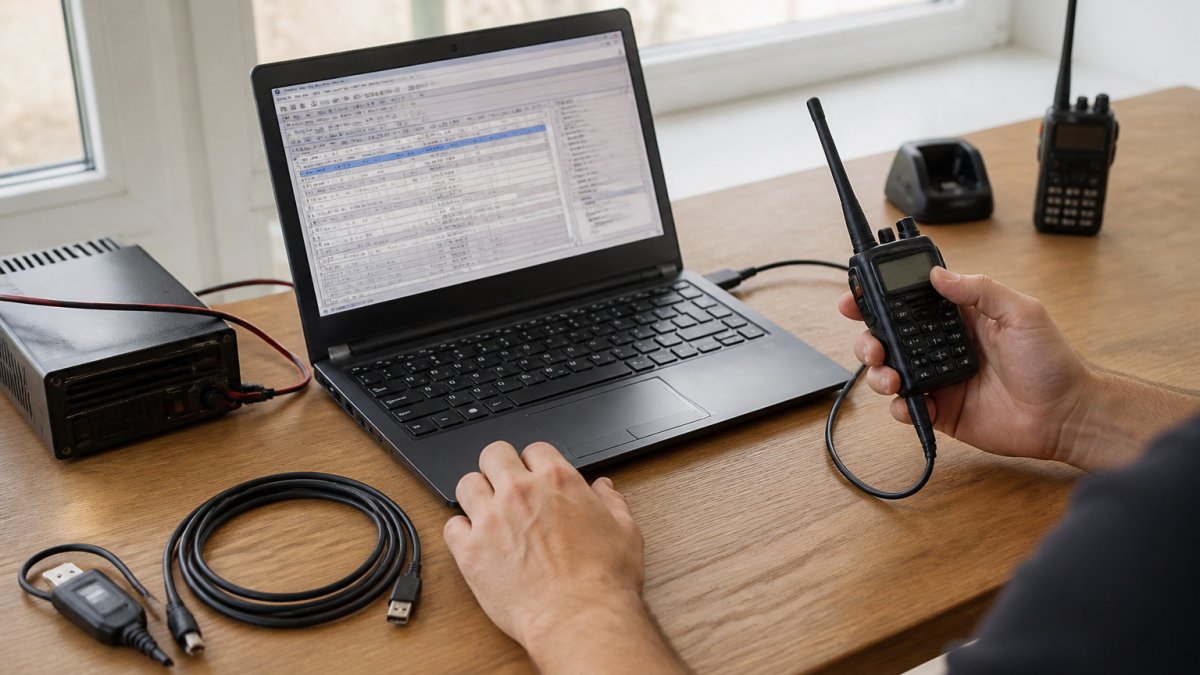
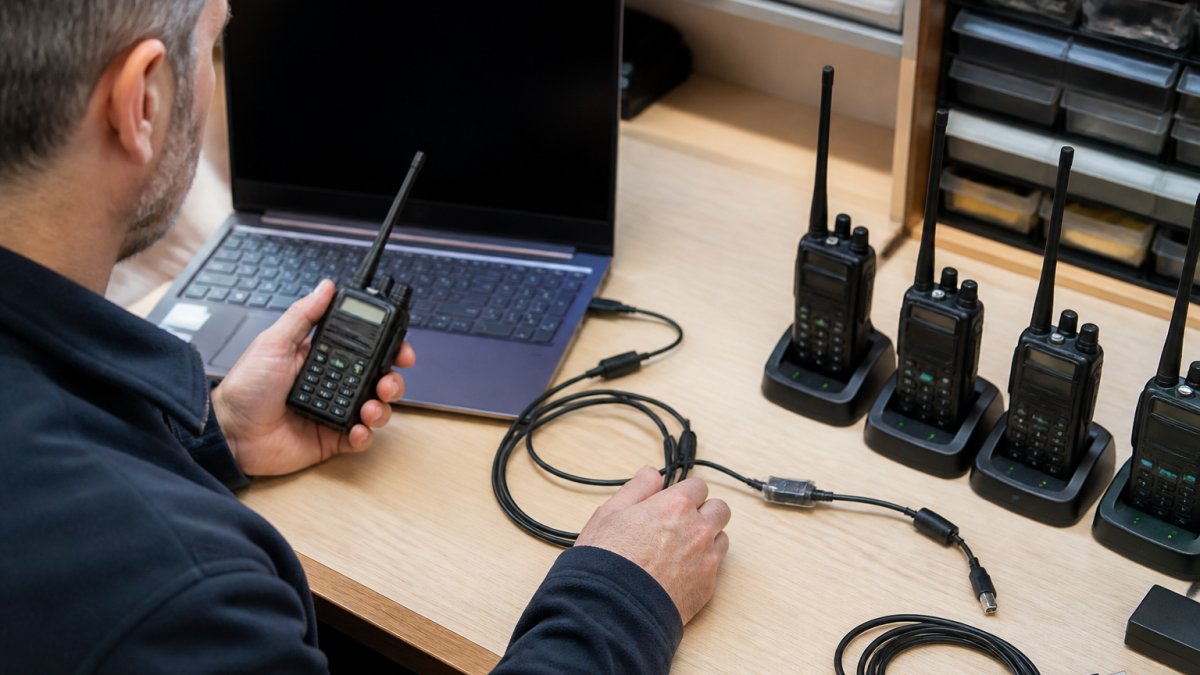
Most modern radios connect via a USB cable or programming cable. The connection quality matters, poor cables cause data corruption or failed transfers.
The programming software makes the difference.
Start by collecting your frequency list: document the frequency, repeater offset (if applicable), tone requirements, and usage notes. Organizing this before programming saves time and prevents errors.
Easy Ham Radio Programming Solutions 2026 walks through the practical steps for getting your specific radio model programmed efficiently. For users managing large numbers of frequencies, How to Bulk Import Repeater Frequencies shows how to import multiple channels at once instead of entering them manually.
How to Organize Scanner Channels for Easy Access
A scanner with 500 channels is useless if you can't find the frequency you need in seconds. Organization separates functional radio management from chaos.
Group channels by purpose: local repeaters, national frequencies, emergency services, specific events, or travel destinations.
Naming conventions matter more than most people realize.
How to Organize Large Repeater Lists provides detailed strategies for managing hundreds or thousands of frequencies without losing track of what matters.
Radio Frequency Interference Troubleshooting and Solutions
Interference ruins otherwise clear communication.
Start by identifying when interference occurs. Is it constant or intermittent?
Signal strength matters: a strong, clean signal overpowers weak interference.
Tone frequencies and digital modes add another layer of protection.
Troubleshooting Radio Cable Connection Issues: A Step-by-Step Guide addresses the cable and connection problems that often masquerade as frequency interference.
When interference persists, document it: frequency, time, location, and characteristics. Report persistent interference to the FCC's Enforcement Bureau.
Radio Communication Etiquette and Best Practices
Clear, professional radio communication keeps networks functional and builds trust.
Listen before transmitting.
Keep transmissions brief: say what you need to say, then release the microphone.
Use standard phonetic alphabet for call signs and critical information.
Understand repeater etiquette specific to your area. Some expect check-ins at the start of each transmission; others don't.
Respect frequency allocation. Use simplex (direct) frequencies when you can reach your contact without a repeater.
Building a Systematic Approach to Manage Radio Frequencies
Effective frequency management requires a repeatable system, not random organization. How to Program Amateur Radio Channels: A Step-by-Step Guide provides systematic guidance for organizing and programming your channels efficiently.
Step 1: Survey Before You Assign
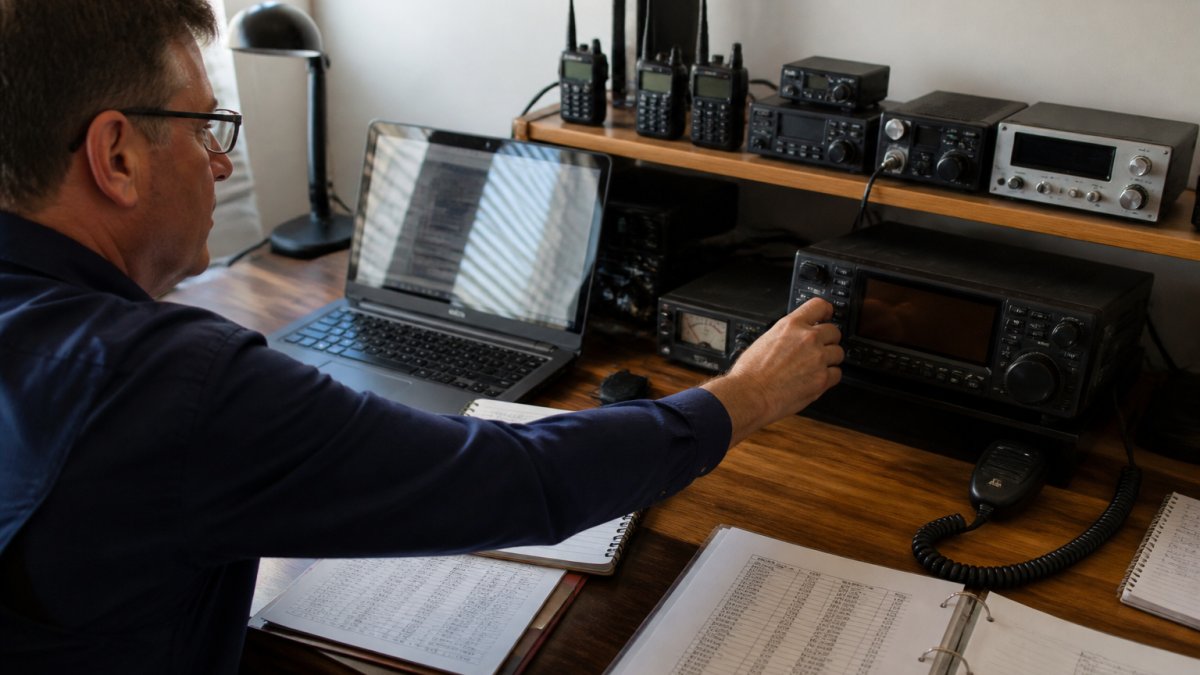
Before choosing channels, inventory what already exists in your area and on your equipment. Surveying means:
- Scan the bands you intend to use and log active frequencies, signal strength, and time-of-day patterns. A channel that looks clear at noon may be busy during evening commute hours.
- Check coordination databases for your region so you don't collide with an existing repeater pair.
- Audit your own radios, what channels are already programmed, which are stale, and which duplicate each other under different names.
The output of the survey is a candidate list, not a final channel plan. Resist the urge to program during the survey; you'll change your mind once you see the whole picture.
Step 2: Assi
Setting Up Your Radio Programming Workflow
A consistent workflow prevents errors and saves time.
Verify frequency information before programming.
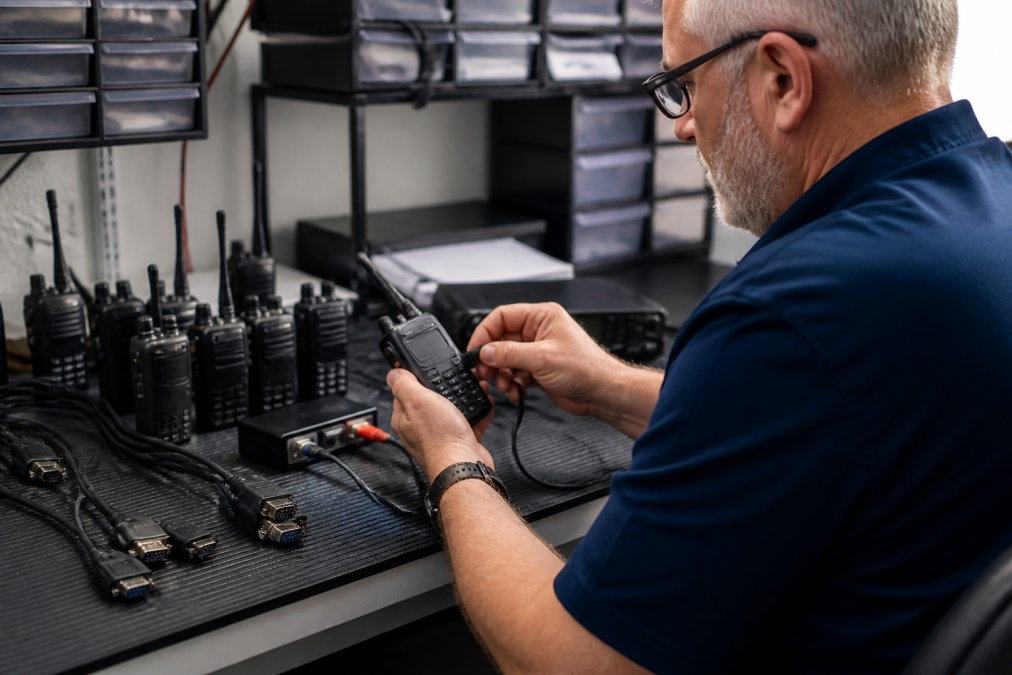
Program in batches rather than one frequency at a time.
Test critical frequencies after programming. Transmit on a local repeater to confirm it works. Listen on emergency frequencies to verify reception.
Maintain backups of your programmed radio.
Frequency management grows from a frustrating chore into a manageable routine with the right approach and tools.
Frequently Asked Questions
What is the best way to manage radio frequencies for a club or organization?
Start by documenting all frequencies your group uses, then organize them by purpose (repeaters, simplex, emergency channels). Use programming software to batch-load channels into all radios simultaneously, reducing errors. Assign clear naming conventions so members instantly recognize channel function. Review and update your frequency list quarterly to remove inactive channels and add new ones. Maintain a master frequency database accessible to all authorized users. This systematic approach prevents confusion during events and ensures reliable communication across your entire group.
How do you reduce interference between radio channels?
Interference typically stems from poor antenna placement, inadequate spacing between frequencies, or transmitting too close to receivers. First, move your antenna away from metal structures and electrical equipment. Increase frequency spacing if possible, channels too close together cause bleed-over. Use a lower transmit power when adequate coverage permits. Check your SWR (standing wave ratio) with an SWR meter to ensure your antenna system is properly tuned. If interference persists, scan for competing transmissions on nearby frequencies and coordinate with other users to avoid overlap. Proper antenna height and orientation also significantly reduce multi-path interference.
Can you use free software to program all radio types, or do you need specialized tools?
Free software exists for some popular radio models, but it often has limitations, restricted feature access, poor user interface, or incomplete support for advanced modes like D-Star. Specialized programming software offers broader radio brand compatibility, more intuitive setup, and reliable data transfer through quality programming cables. If you manage multiple radio types or need features beyond basic channel programming, dedicated software typically saves time and reduces programming errors. The choice depends on your radio models and how many channels you need to manage.
What should you do if your radio loses programmed frequencies after a software update?
Always back up your radio's programmed data before any software update or computer change. Export your frequency list and channel settings to a file on external storage. If data is lost, restore from your backup file using your programming software. Modern programming tools make this process straightforward, simply re-import your backup and upload it back to your radio. Keeping backups ensures you never lose months of frequency organization work. Store backups in multiple locations (external drive, cloud storage) so you can recover from hardware failure or accidental deletion.
How often should you review and update programmed radio frequencies?
Review your frequency list quarterly at minimum, more often if you participate in active clubs or emergency groups. Remove repeaters that have gone offline, add new local frequencies, and verify that contact information is current. If you travel or change geographic areas, update your scanner channels to match your new location. Seasonal events may require temporary frequency additions. Regular maintenance prevents wasted scanning time on inactive channels and ensures you have access to all critical frequencies when you need them. Document each update with dates so you can track changes over time.
What causes poor radio reception, and how do you fix it?
Poor reception usually results from antenna placement, low transmit power, or distance from repeaters. Elevate your antenna as high as safely possible, height dramatically improves range. Check that your antenna connector is secure and not corroded. If using a mobile radio, ensure the antenna is mounted on the vehicle roof for optimal coverage. Verify you're transmitting on the correct frequency and that the repeater is active. Low battery voltage can also reduce transmission range. If reception remains poor, try a different antenna or relocate to higher ground. Document signal strength readings to identify dead zones in your coverage area.
Are there legal restrictions on which radio frequencies you can use?
Yes, the Federal Communications Commission (FCC) strictly regulates frequency use in the United States. Amateur radio operators must hold a valid license and operate only on frequencies allocated to their license class. Commercial and business use requires specific FCC licensing. Some frequencies are restricted to emergency services, aviation, or maritime use. Unlicensed use of restricted frequencies carries significant fines. Before programming any frequency, verify its legal status through the FCC's frequency allocation charts or consult your local radio club. Always respect frequency assignments and coordinate with other users to avoid unauthorized transmissions.