 ultimate-guide
How Do You Program a D-STAR Radio for Beginners?
Last Updated: October 24, 2026
Quick Summary
To program d-star radio, you configure its memory channels with specific frequencies, repeater information, and digital settings like MYCALL, URCALL, RPT1, and RPT2. You'll need programming software, a quality USB cable, accurate repeater data from a directory like the ARRL, and an FCC-registered amateur radio license.
- D-STAR uses digital packet-based technology to transmit voice and data together, unlike analog FM.
- The four key digital fields are MYCALL (your callsign), URCALL (destination), RPT1 (repeater callsign), and RPT2 (gateway callsign).
- Two-meter repeaters typically use a +0.600 MHz offset; 70-centimeter repeaters use +5.0 MHz.
- Third-party programming software often works better than OEM tools and supports importing repeater databases.
- Common mistakes include incorrect callsign format, wrong offset direction, and mismatched RPT1 and RPT2 values.
Table of Contents
- What Is D-STAR and Why Program It?
- Understanding D-STAR Memory Channels and Settings
- Choosing D-STAR Programming Software That Works for You
- Setting Up Your D-STAR Callsign and Registration
- Programming D-STAR Repeater Frequencies Step-by-Step
- Connecting Your Radio to Your Computer
- Common Programming Mistakes and How to Fix Them
- Making Your First D-STAR Contact
- Frequently Asked Questions
What Is D-STAR and Why Program It?
D-STAR stands for Digital Smart Technologies for Amateur Radio. Unlike analog FM, which sends voice as continuous waves, D-STAR uses digital packet-based technology to transmit voice and data together, text messages, GPS coordinates, and more.
Programming a D-STAR radio means configuring its memory channels with specific frequencies, repeater information, and digital settings so you can access local repeaters and connect to the worldwide D-STAR network.
Newcomers often assume a D-STAR radio works out of the box. It doesn't. Each radio ships with empty memory that you must populate with frequencies and settings for your area.
Understanding D-STAR Memory Channels and Settings
Your D-STAR radio stores information in memory channels, presets holding a frequency, repeater details, and digital mode settings. Instead of manually tuning, you select a channel and transmit. Most radios store dozens or hundreds of channels, so you can organize them by function, location, or band.
Channel Basics: Frequency, Offset, and Duplex
A frequency is the wavelength your radio transmits and receives on, measured in megahertz (MHz). D-STAR repeaters typically operate on the two-meter band (around 145 MHz) or the 70-centimeter band (around 440 MHz), though other bands exist.
Repeaters use two frequencies: an input for receiving your transmission and an output for retransmitting it. The difference is the offset. For example, a two-meter repeater might receive on 145.650 MHz and transmit on 145.050 MHz, a 0.600 MHz offset.
Duplex mode tells your radio whether to use one frequency (simplex, radio-to-radio) or two (duplex, repeater communication). Most D-STAR channels use duplex. Getting the offset direction wrong, positive instead of negative, is a common mistake that blocks repeater access entirely.
Digital Mode Fields Explained
D-STAR channels include several digital-specific fields that analog radios don't have. The most important are MYCALL, URCALL, RPT1, and RPT2.
MYCALL is your personal FCC-registered callsign, how other operators identify you on the air. Enter it exactly as it appears on your license.
URCALL ("your radio call") handles direct radio-to-radio communication or routing to a specific repeater or gateway.
RPT1 (Repeater 1) is the callsign of the repeater you're accessing, telling the network where to route your signal.
RPT2 (Repeater 2) is typically the repeater's gateway callsign, connecting it to the D-STAR network.
These fields work together to route your signal correctly.
D-STAR channels require several digital-specific fields that work together to route your signal correctly.
| Field | Purpose | Example or Note |
|---|---|---|
| MYCALL | Your FCC-registered callsign for identification | Must match license exactly |
| URCALL | Destination for direct communication or routing | Set to CQCQCQ for general calls |
| RPT1 | Repeater callsign telling network where signal originates | Local repeater or remote repeater callsign |
| RPT2 | Gateway or repeater node for network connection | Often same as RPT1 for local operation |
Choosing D-STAR Programming Software That Works for You
The software you use matters more than many beginners realize. OEM tools often work but are frequently slow, poorly designed, and hard to navigate.
When evaluating D-STAR programming software, consider compatibility first. Not all software works with all radio models. Some tools support only Icom radios, while others handle Yaesu, Kenwood, or other brands.
Ease of use matters, especially for beginners.
Look for software with a built-in repeater database or import capability, manually researching repeater information is time-consuming and error-prone, and connecting to current directories saves hours.
Learn more about finding the right programming software for your setup.
Setting Up Your D-STAR Callsign and Registration
Before programming your first channel, you need an FCC amateur radio license and a registered callsign, D-STAR is for licensed operators only. If you don't have one, study for and pass the Technician exam. Once licensed, your callsign becomes central to your D-STAR identity.
Your callsign must be entered correctly in the MYCALL field. A single wrong character, misplaced space, or number instead of a letter will cause problems when you transmit. Some radios allow a suffix (like "-1" or "-2") to differentiate radios or modes, but the base callsign must match your FCC license exactly.
MYCALL, URCALL, RPT1, and RPT2 Explained
These four fields form the backbone of D-STAR routing and identification; understanding each prevents costly configuration mistakes.
MYCALL is your station identifier, the callsign transmitted every time you key up, so other operators know who you are. It must match your FCC license.
URCALL is the destination for direct communication or gateway routing.
RPT1 is the repeater you're using, telling the network where your signal originates.
RPT2 is the gateway or repeater node handling the network connection.
A single typo in any of these fields can prevent your transmission from reaching its destination. Many operators keep a reference card until the values become second nature.
Programming D-STAR Repeater Frequencies Step-by-Step
To program d-star radio repeater frequencies correctly is the core skill every D-STAR operator needs: find accurate repeater information, enter it into memory, and test that everything works.
Finding Your Local Repeater Information
The first step is identifying repeaters in your area. The American Radio Relay League repeater directory maintains a comprehensive, searchable database of D-STAR repeaters organized by location and frequency band. Search for your state or region to find repeaters near you.
When you find a repeater, note down:
- The output frequency (what you'll hear)
- The input frequency (what you transmit on)
- The repeater's callsign
- The gateway callsign (if available)
- Any special operating notes or restrictions
Repeater information changes as systems are upgraded or taken offline, so verify a repeater is active before programming it. Local radio clubs maintain current lists, and the ARRL updates its directory regularly.
Entering Offset and Duplex Settings
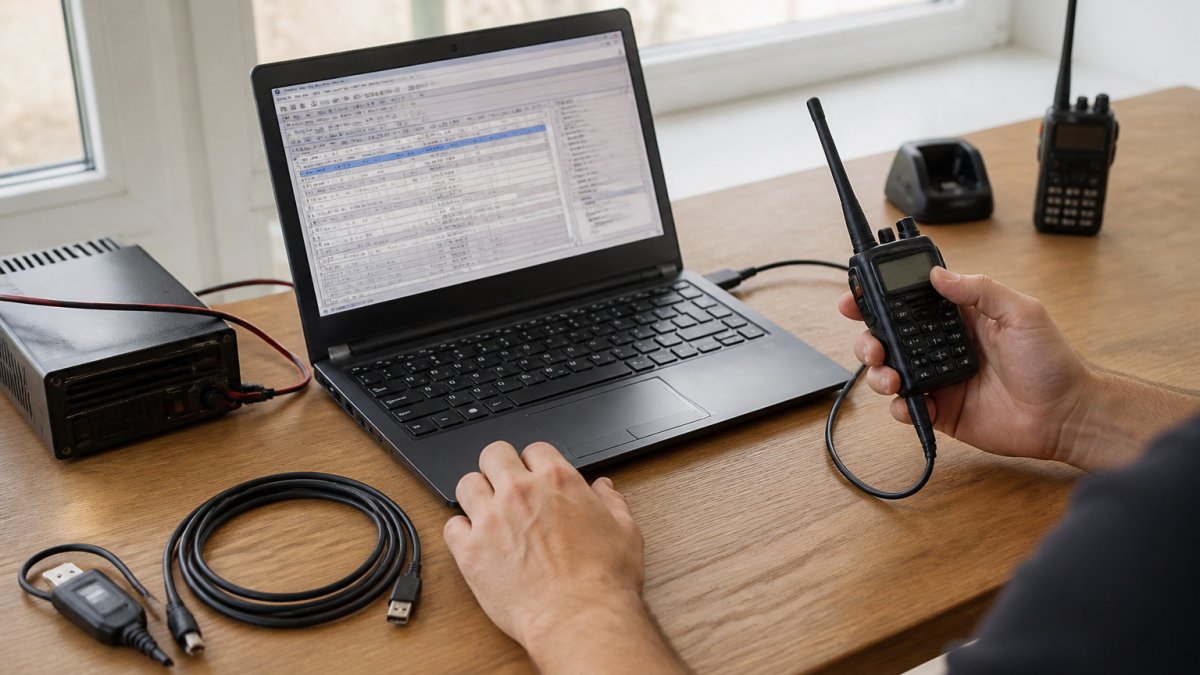
With the repeater information in hand, open your programming software and create a new channel. Enter the output frequency first, what you'll hear when the repeater transmits. The software should calculate the offset automatically: typically +0.600 MHz for two-meter repeaters and +5.0 MHz for 70-centimeter.
Set duplex mode to "Repeater" or "Duplex" so your radio knows to use two frequencies. Enter your MYCALL in the callsign field, and set URCALL to the repeater's default (often "CQCQCQ" for general calls). Enter the repeater's callsign in RPT1 and the gateway callsign in RPT2.
Save the channel with a clear, descriptive name, something like "Local Repeater 145.650" tells you at a glance what the channel does. Once all channels are programmed, connect your radio to your computer and upload the configuration.
Learn how to efficiently import multiple repeater frequencies if you're programming many channels at once.
Connecting Your Radio to Your Computer
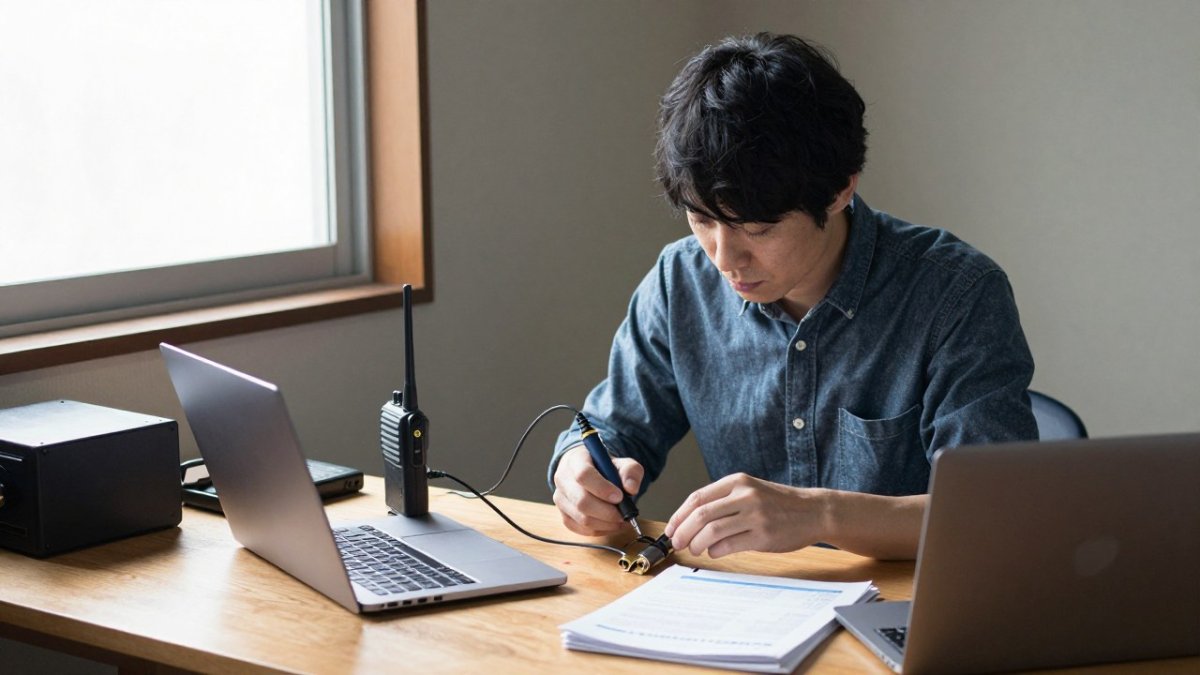
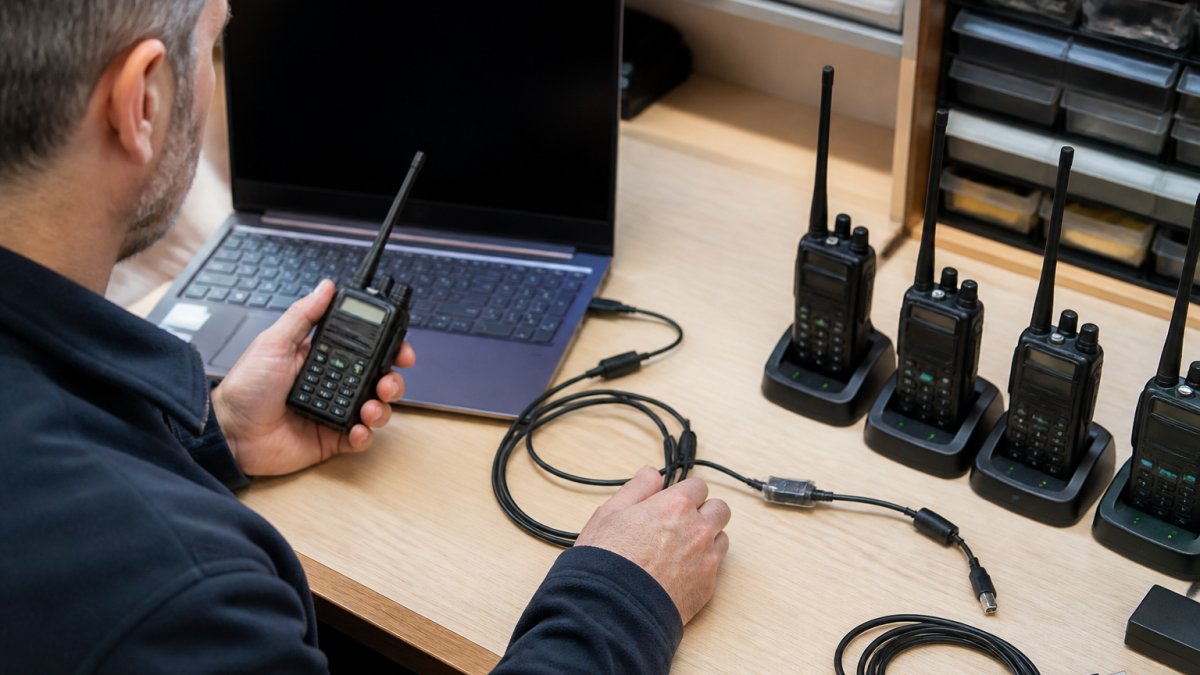
Before you can transfer your programmed channels to your radio, you need a reliable connection between your computer and your radio. This is where cable quality and compatibility matter.
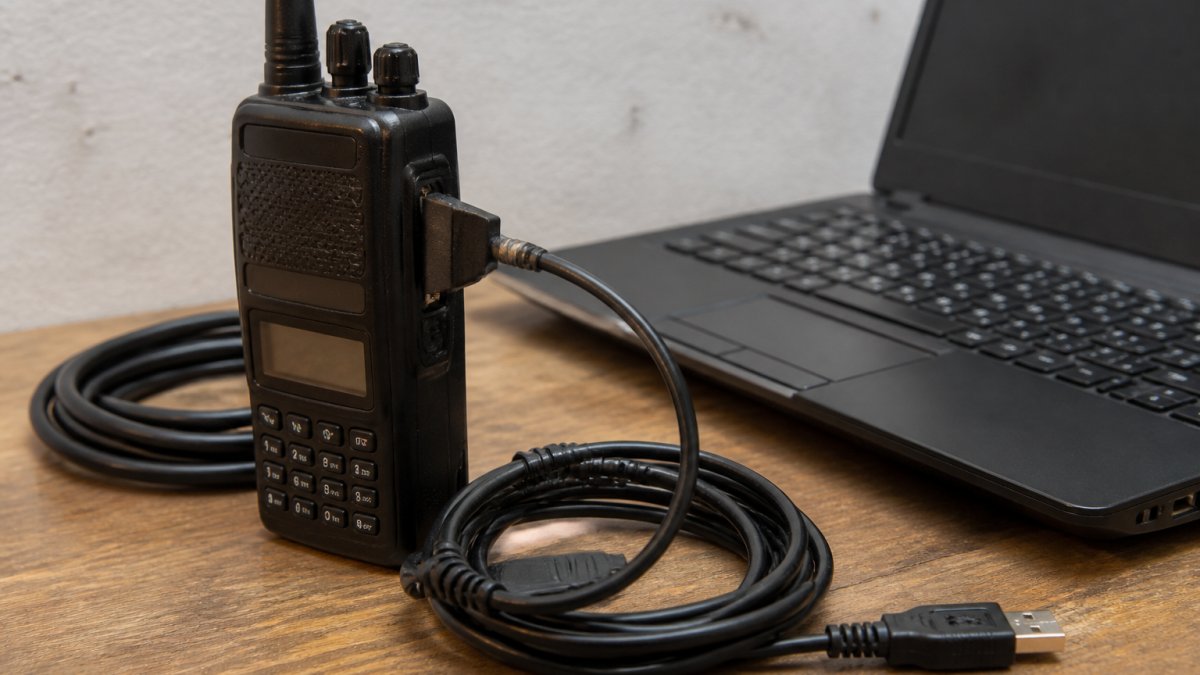
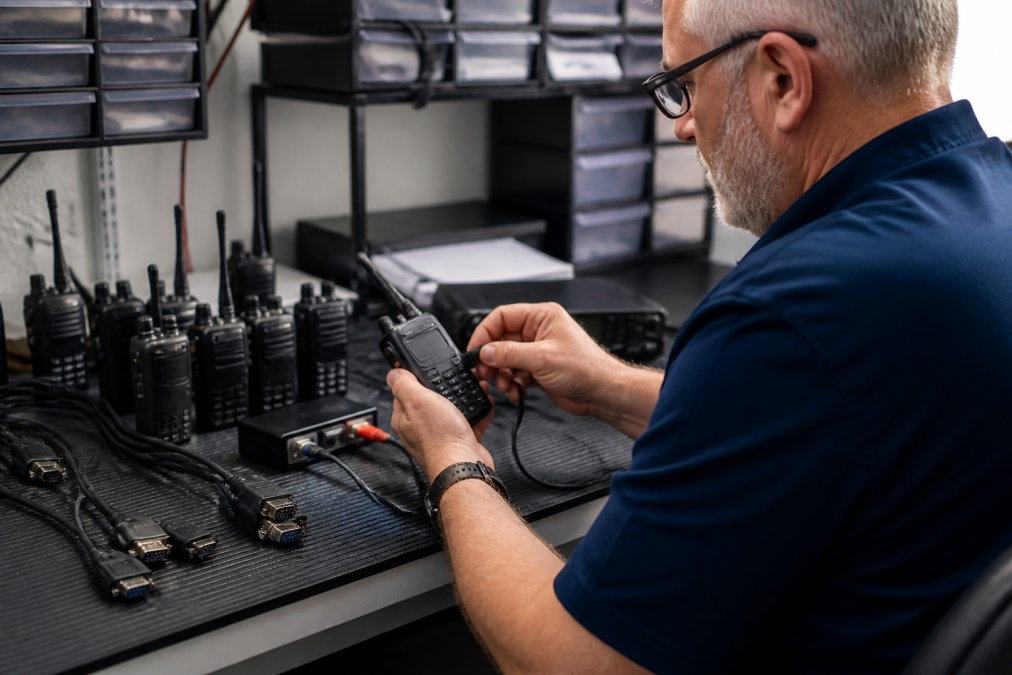
Most D-STAR radios use a USB or mini-USB connection through which your software sends the channel configuration to memory. A poor-quality cable causes connection errors, timeouts, or incomplete transfers that corrupt your programming.
Look for cables with FTDI chipsets, they provide stable data transfer and are recognized by most operating systems without extra drivers.
Troubleshoot cable connection issues if your software can't detect your radio.
Common Programming Mistakes and How to Fix Them
Even experienced operators make programming mistakes. Knowing what to look for saves time and frustration.
Incorrect callsign format is the most common error. MYCALL must match your FCC license exactly, a missing space, wrong suffix, or transposed letter causes failed or misrouted transmissions.
Wrong offset or duplex setting prevents repeater access. An offset in the wrong direction (negative instead of positive) makes your radio transmit on the wrong frequency.
Mismatched RPT1 and RPT2 values break network routing.
Forgetting to save and upload is surprisingly common.
Back up your radio memory settings before making major changes so you can restore a working configuration if something goes wrong.
Making Your First D-STAR Contact
Once your radio is programmed, you're ready for your first contact.
Wait for a response. If nothing happens, check your programming: verify the frequency, offset direction, and callsign.
The first successful contact is a milestone, you've moved from theory to real-world operation. From here you can explore the D-STAR network, connect through gateways to distant repeaters, and join the amateur radio community.
Programming a D-STAR radio doesn't require advanced technical knowledge, but it does require attention to detail and access to reliable tools. At RT Systems, Inc., we've spent over 20 years helping amateur radio operators program their radios accurately and efficiently.
Frequently Asked Questions
What is D-STAR, and how does it differ from analog FM radio?
D-STAR (Digital Smart Technologies for Amateur Radio) is a digital mode that transmits voice and data as packet-based signals, unlike traditional analog FM. D-STAR offers clearer audio, data capabilities, and network connectivity through gateways and repeaters. To use D-STAR, your radio must support digital voice and data modes, and you need to program it with specific digital settings, a process that differs significantly from analog channel setup.
What are URCALL, RPT1, and RPT2 in D-STAR callsign settings?
These are routing fields in your D-STAR callsign settings. MYCALL is your own callsign; URCALL is the destination callsign (often set to CQCQCQ for general calls); RPT1 is your local repeater callsign; and RPT2 is the gateway repeater that connects your local repeater to the D-STAR network. Entering these correctly ensures your transmission routes to the right repeater and network connection.
How do I find my local D-STAR repeater information?
Search online repeater directories or check with your local amateur radio club for D-STAR repeater lists in your area. These resources provide frequency, offset, and callsign details needed for D-STAR repeater programming. Many D-STAR programming software tools include built-in repeater databases that you can download and import directly into your radio's memory channels, saving time and reducing entry errors.
Can I program a D-STAR radio without special software?
Most modern D-STAR radios can be programmed manually through the radio's keypad, but this is time-consuming and error-prone, especially when managing multiple memory channels. D-STAR programming software simplifies the process by allowing you to configure channels on your computer and upload them to your radio via USB cable. This approach is faster, more reliable, and easier for beginners managing repeater frequencies and digital settings.
What happens if I enter the wrong offset or repeater settings?
Incorrect offset or repeater settings will prevent your radio from connecting to the repeater or transmitting on the correct frequency. If you cannot hear the repeater or your transmission doesn't go through, check that your frequency and offset match the repeater directory, and verify that RPT1 and RPT2 are set to your local repeater's callsign and its gateway. Most D-STAR radios display transmission status, so you can troubleshoot by confirming which repeater your radio is trying to reach.
Do I need to register my callsign before making my first D-STAR contact?
Yes, your callsign must be registered with the FCC before you can operate on amateur radio frequencies, including D-STAR. Once licensed, you enter your callsign in your radio's MYCALL field during D-STAR callsign settings. You do not need separate D-STAR network registration to transmit locally, but some D-STAR gateway networks may require registration for internet-linked connections.
Why won't my D-STAR radio connect to the repeater after programming?
Common causes include incorrect frequency or offset, wrong repeater callsign in RPT1, missing gateway information in RPT2, or a USB cable connection issue during programming. Verify your repeater settings against a current repeater directory, ensure your radio received the data correctly from your computer, and test your USB cable with another radio. If your radio shows no transmission activity, check that duplex is set correctly and that the repeater is operational.
Can I use the same D-STAR programming software for different radio brands?
No. D-STAR programming software is not standardized across radio brands. Each manufacturer's software has its own interface and quirks, so you need the correct program for your specific radio model. Some third-party D-STAR programming software supports multiple brands, but always verify compatibility before purchasing. Consult your radio's manual or the software vendor to confirm your model is supported.