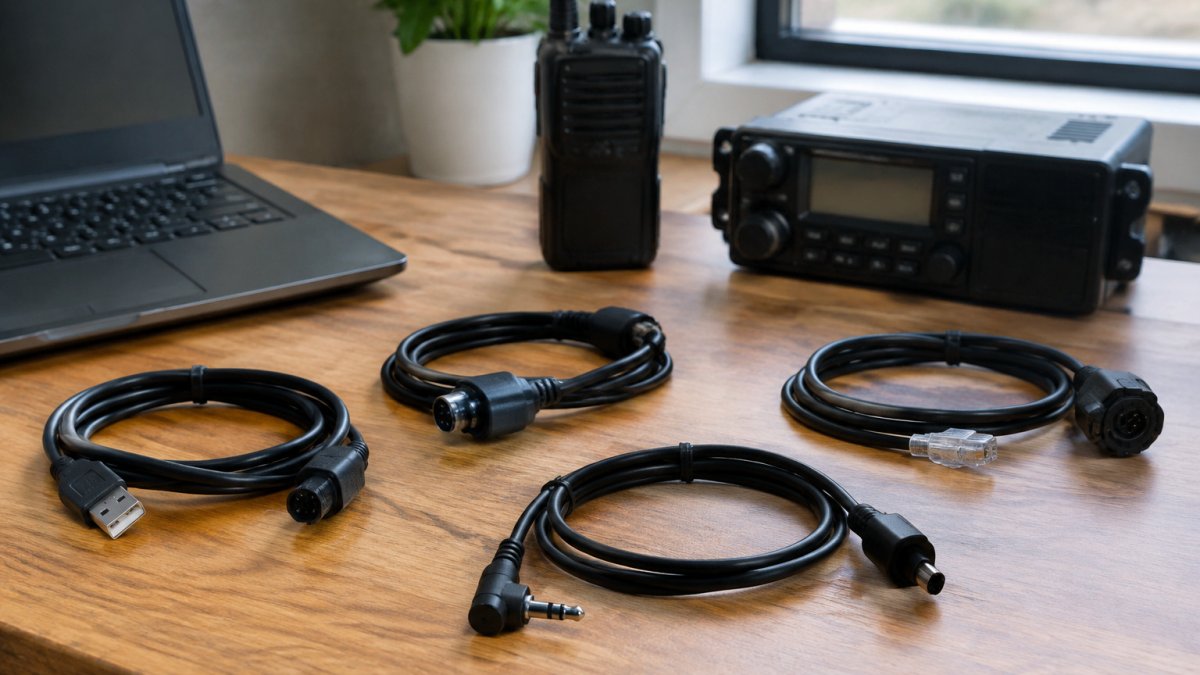
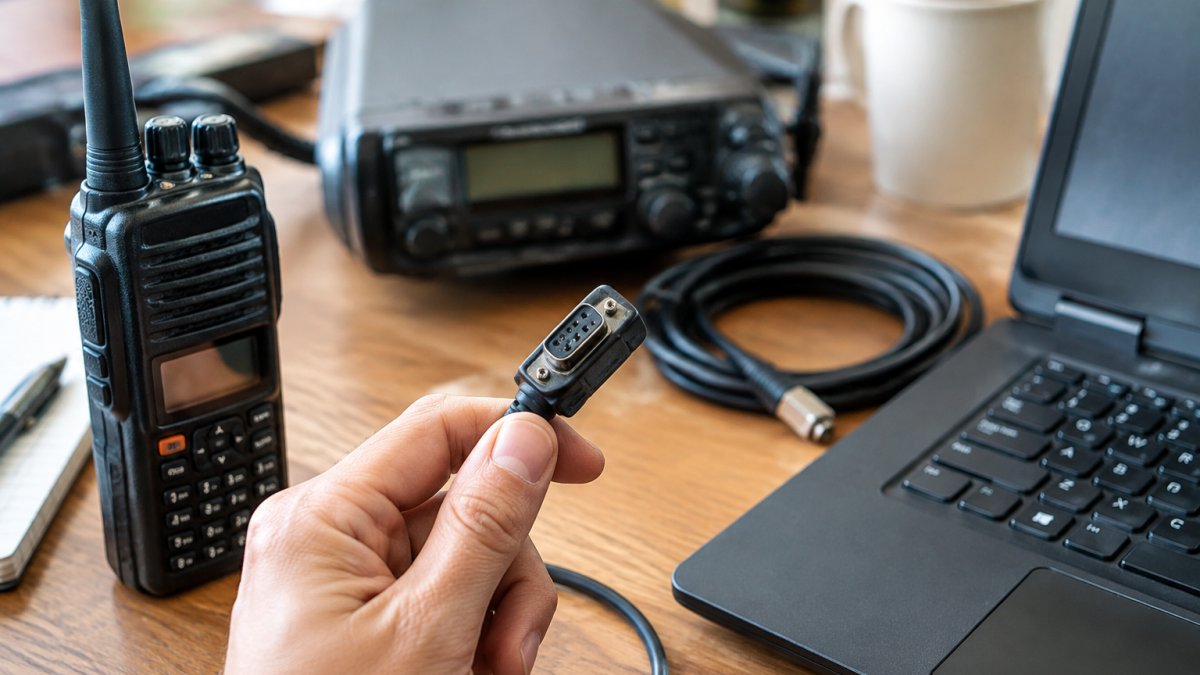
 comparison
Why Use Paid Radio Software Over Free Options
Quick Summary
Paid radio software is a purchase that typically bundles a licensed program, a programming cable, and updates with technical support. Free tools can write basic memory channels, but paid packages add support, frequency databases, and multi-brand compatibility that matter once programming becomes serious work.
- Paid packages commonly include a programming cable, updates, and technical support.
- RT Systems, Inc. offers phone and email technical support plus setup instructional videos.
- Paid tools typically add built-in repeater and simplex frequency databases.
- Free tools can handle basic channel writing but often lack included support.
- Back up radio memory before every write and store the backup away from the programming computer.
Table of Contents
- What Paid Radio Software Actually Includes
- Free vs Paid Radio Broadcasting Software: Where the Real Differences Lie
- Radio Automation Software: Reliability When the Station Cannot Go Dark
- Radio Playout Software and Audio Quality Control
- Radio Scheduling Software and the Total Cost of Ownership
- Security, Data Backup and Avoiding Vendor Lock-In
- Choosing Paid Radio Software for Your Own Setup
- Frequently Asked Questions
What Paid Radio Software Actually Includes
Paid radio programming software is a purchase, not a download you have to hunt for. Paid packages commonly bundle a licensed program, a programming cable, and access to updates and technical support. Free tools often cover the basic job of writing memory channels to a radio, but the paid version usually adds the parts that matter once the work gets serious.
For many operators, the main difference is what happens when something goes wrong. A paid package typically includes a support channel and documentation. RT Systems, Inc. has more than 20 years of experience and offers technical support by phone and email, along with instructional videos for setup.
Here is what a typical paid package adds:
- Supported cables: Programming cables built around FTDI chipsets.
- Multi-brand support: One program that handles many radio models rather than a different tool for each manufacturer.
- Frequency databases: Built-in reference data for repeaters and simplex frequencies.
- Updates and support: Technical support by phone and email.
Free options can be a fine starting point. Just be clear about what you are trading for the lower price.
Free vs Paid Radio Broadcasting Software: Where the Real Differences Lie
Both free and paid tools can write channels to a radio.
A common mistake is judging the software only on its first successful write. The real test comes later, when you need to change 200 frequencies across three radios and the software has to behave the same way every time.
Paid software can be useful in several areas:
- Cable availability: Programming cables are sold alongside the software.
The right choice depends on how often you program and your own priorities.
The practical differences between free and paid tools show up in a few concrete areas.
| Feature | Free options | Paid package |
|---|---|---|
| Basic channel writing | Yes | Yes |
| Programming cable | Not always included | Sold alongside the software |
| Support | Limited | Phone and email support |
| Frequency databases | Not stated | Built-in repeater and simplex data |
| Updates | Not stated | Included with package |
Radio Automation Software: Reliability When the Station Cannot Go Dark
For a club, emergency communications group, or independent broadcaster, a programming failure is more than an annoyance. Reliable programming matters when a repeater or handheld must be reprogrammed before a public event.
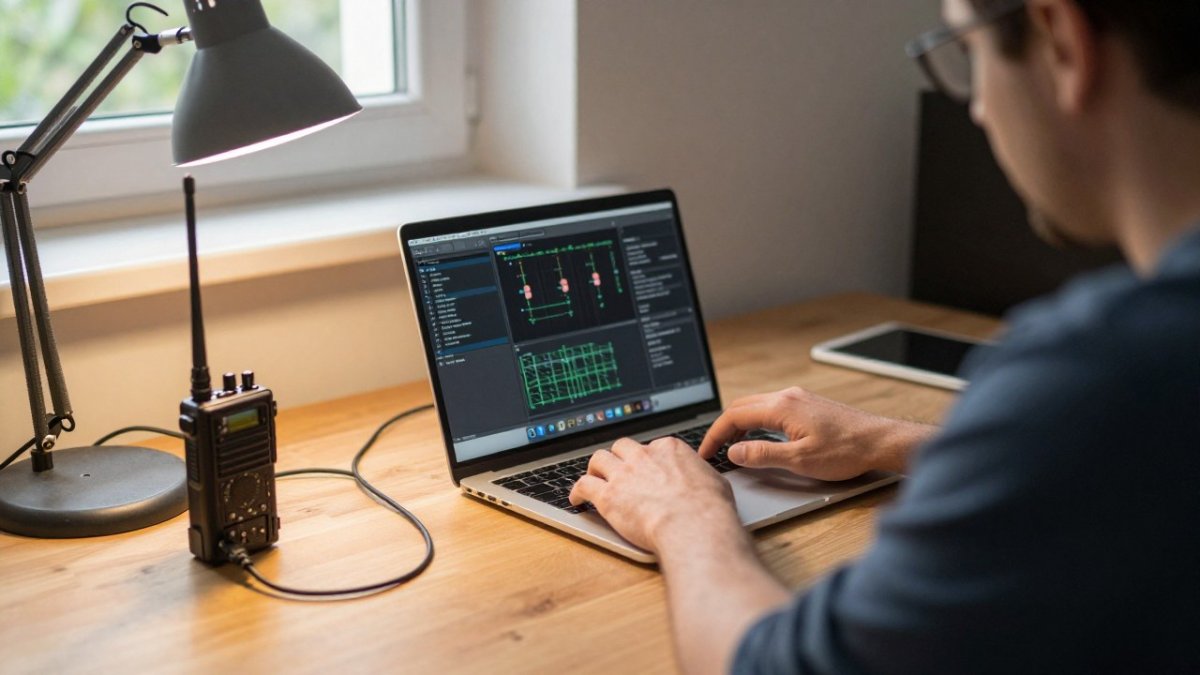
A dropped USB connection during a write can leave a radio with partial or corrupted memory.
What paid tools do differently at the mechanism level
- Cables: Programming cables are built around FTDI chipsets.
Uptime expectations for playout and automation
If your use case is broadcast playout rather than radio programming, reliability is measured in uptime. Most practitioners plan for a primary and a backup playout machine, with the backup kept in sync through a shared library or a scheduled replication job. Paid automation vendors typically document a supported failover path; free tools usually leave that design to you. A common pattern is to run the backup in "hot standby" so a switch takes seconds rather than an hour of manual reconstruction.
Practical steps that reduce risk on any platform
- Keep a saved backup of the radio's current memory before every write, and store it somewhere other than the programming computer.
- Test a single channel before pushing a full bulk update, especially after a software or operating system update.
- Use a cable that is known to work with your software and radio model, and label it so it does not get swapped with a generic clone.
- For playout, document the failover procedure and rehearse it once a quarter; an untested backup is not a backup.
Radio Playout Software and Audio Quality Control
Playout software is a different category from programming software, and it is worth separating the two. Many operators confuse the two when they search for help.
Radio Scheduling Software and the Total Cost of Ownership
The total cost of radio software can include the license, the cable, setup time, troubleshooting time, and any hardware replacement.
A simple TCO model you can fill in with your own numbers
List the costs over a 12-month horizon and compare two scenarios side by side:
- License or purchase price, one-time or annual, multiplied by the number of computers you actually need to cover.
- Cable and adapter cost, a matched cable versus a generic clone, plus the cost of replacing a clone that fails.
- Setup and learning time, hours to first successful write, valued at your loaded hourly rate.
- Recurring troubleshooting time, hours per programming session or per shift, multiplied by sessions per year.
- Re-entry time after a failed write, hours to rebuild a corrupted channel list, multiplied by how often it happens.
- Hardware replacement, radios or adapters bricked by a bad write or an incompatible cable.
- Support cost, the value of phone or email support versus unpaid forum time.
The exact cost comparison depends on your own rate and session count, so run the numbers rather than assuming either option is cheaper.
Metrics to track when comparing options
Track these before and after a switch:
- Channels programmed per hour, bulk import and frequency databases typically move this number sharply upward versus manual entry.
- Minutes per bulk update, a verified write with a matched cable usually finishes in a fraction of the time of a troubleshooting-heavy session.
- Rework rate, the percentage of writes that need a second attempt; paid tools with verification tend to drive this toward zero.
- Onboarding time for a new volunteer or operator, a documented interface and vendor videos shorten the ramp.
Other costs to consider
- Operating system upgrades, confirm the vendor's upgrade policy before you budget.
- Migration cost, moving an existing channel library into a new system takes time.
Pricing depends on the product and how many licenses you need, so check the current price on the RT Systems, Inc. website or request a quote before budgeting. Build the TCO sheet with your own hourly rate and session counts; the answer will be specific to your station, and that specificity is the point.
Security, Data Backup and Avoiding Vendor Lock-In
Ask two questions before you buy: what happens to your data if you change software, and what happens to your license if you change computers?
Back up your radio memory settings regularly, and keep the exported files somewhere other than the computer you use for programming.
Licensing terms vary, so read them before purchase. Ask whether a license covers more than one computer, and whether you can move it when you upgrade your operating system or replace your machine. Confirm the current policy with the vendor before buying.
Check that your channel data can be exported in a usable format before you commit.
Choosing Paid Radio Software for Your Own Setup
Match the tool to how you actually use your radios. A single handheld with a few local repeaters has very different needs from a club managing dozens of channels across several radios.
Use this checklist when you compare options:
- Supports your specific radio model, including older units
- Includes a cable matched to the software
- Offers support by phone or email
- Allows bulk import of your frequency list
- Explains the license terms for multiple computers
- Lets you export and back up your data
For a deeper look at purchasing and setup, see Purchase Radio Programming Software Online: A 2026 Guide. Before you buy, review the Radio Software License for Multiple Computers guide to understand how licensing works across machines. If you are concerned about losing settings, How to Backup Radio Memory Settings: A 2026 Guide walks through the steps. Operators juggling several radios may also find Managing Multiple Radios With One Software useful.
For a clear answer on which path fits your situation, start with your radio list and your support needs, then choose the package that covers both.
Frequently Asked Questions
Is paid radio software worth it compared with free options?
For many operators, yes. Free tools such as CHIRP cover basic channel programming well, and that is a legitimate choice for a single radio with a small memory set. Paid software typically adds vendor support and a programming cable. Pricing depends on the product and quantity, so check RT Systems, Inc.'s website for current prices or a quote. Compare what you need to program against what you would have to troubleshoot yourself.
Will paid radio software work with an older radio model?
Compatibility depends on the specific model and firmware, so confirm your exact radio before buying. Check the supported model list on RT Systems, Inc.'s website, and contact technical support by phone or email if your model is not clearly listed.
Can paid radio software handle a large number of frequencies?
Before relying on any tool for a 200-plus frequency project, back up your existing data and test a small import first. Confirm the maximum memory capacity for your radio model with the software documentation or RT Systems, Inc. support.
What happens to my software if I upgrade my computer or operating system?
Licensing terms differ by vendor, so read the license before purchase and ask whether reinstallation on a new computer or a newer Windows version is covered. Keep a copy of the installer and your channel data files in a separate location. Confirm how upgrades and license transfers are handled with the vendor before buying.