 blog
blog
Buy High Quality Ham Radio Cables: A 2026 Guide
Table of Contents
- Why High Quality Ham Radio Cables Matter
- Understanding Coaxial Cable Types and Specifications
- Choosing the Right Connector for Your Radio
- Factors Affecting Signal Loss and Attenuation
- Premade Cable Assemblies vs Custom Lengths
- Ham Radio Programming Cable Troubleshooting
- How to Fix Radio Driver Errors and Ensure Compatibility
- Essential Tools and Proper Cable Installation
- Frequently Asked Questions
Last Updated: September 21, 2026
Why High Quality Ham Radio Cables Matter
The difference between a reliable radio station and a frustrating one often comes down to a single component most operators overlook: the cable connecting your radio to the antenna. Poor-quality coaxial cable introduces signal loss, creates interference, and forces you to repeat transmissions. High quality ham radio cables eliminate these headaches by maintaining signal integrity from your transceiver through the feedline to the antenna.
When you're managing frequencies for club events, emergency communications, or long-distance contacts, every decibel of signal matters. According to HamRadioSchool's technical guidance on cable selection, "It is always a good idea to buy quality cable from a reputable supplier and to read the specifications for that exact cable type." This simple principle separates operators who consistently make contacts from those who struggle with weak signals and dropped transmissions.
RT Systems, Inc. understands this challenge. We've worked with radio enthusiasts for over 20 years, and we know that quality extends beyond software, it includes the physical components that make reliable programming and operation possible. The cables you choose directly impact your station's performance, cost, and longevity.
Understanding Coaxial Cable Types and Specifications
Coaxial cable forms the backbone of any ham radio station. The core design, a center conductor surrounded by insulation, shielding braid, and an outer jacket, protects your signal from electromagnetic interference while maintaining impedance at 50 ohms, the standard for RF applications.
Not all coaxial cable performs equally. The differences lie in construction, materials, and loss characteristics. Understanding these distinctions helps you select the right feedline for your specific use case and frequency range.
RG-58, RG-8, and RG-213 Compared
RG-58 is the lightest and most flexible option. It works well for short runs, portable operations, and tight spaces where routing matters. However, its higher insertion loss makes it unsuitable for long feedlines or high-frequency applications where signal degradation becomes noticeable.
RG-8 offers a middle ground. With lower loss than RG-58 and better flexibility than RG-213, it suits most amateur radio installations where feedline length stays under 100 feet. The thicker center conductor and improved shielding provide measurable performance gains without excessive rigidity.
RG-213 delivers the lowest signal attenuation of the three. According to Walcott Radio's 2026 pricing and specifications, a 500-foot spool of bulk RG-213 coaxial cable costs $849.95, reflecting its superior construction with solid copper center conductor and comprehensive braid coverage. RG-213 excels for long runs, high-power applications, and situations where minimizing loss is critical.
The choice depends on your feedline length, operating frequency, and power level. Short runs under 50 feet? RG-58 works. Typical installations up to 100 feet? RG-8 balances performance and practicality. Long runs or maximum signal preservation? RG-213 justifies its cost.
RG213 vs LMR400 Performance
This comparison addresses a common question among serious operators seeking the absolute best performance. LMR400 uses a foam dielectric core instead of solid polyethylene, which reduces insertion loss by approximately 15-20% compared to RG-213 at VHF and UHF frequencies.
For practical ham radio use, the performance difference becomes significant only on longer feedlines (150+ feet) or at the highest amateur frequencies (1.2 GHz and above). LMR400 costs more and offers less flexibility, making it overkill for typical installations.
RG-213 remains the better choice for most radio enthusiasts because it balances performance, cost, and ease of installation. LMR400 makes sense when you're running extremely long feedlines or operating at microwave frequencies where every decibel of loss matters.
Choosing the Right Connector for Your Radio
The connector interface between your radio and cable determines whether your station functions reliably or presents compatibility headaches. Different radio manufacturers and frequency bands favor different connector types, each with specific advantages.
PL-259 and SO-239 represent the traditional pairing. The male PL-259 connector screws into the female SO-239 socket on most HF transceivers. This combination has dominated amateur radio for decades, offers excellent shielding, and handles high power levels. The trade-off: larger physical size and occasional intermittent connections if the threads wear.
N-type connectors provide superior performance at VHF and above. The threaded design ensures consistent mating force, weatherproofing comes standard, and insertion loss stays lower than PL-259. N-type connectors cost more but prove worth the investment for permanent outdoor installations or high-frequency work.
BNC and SMA connectors appear on handheld radios, test equipment, and some modern transceivers. BNC connectors offer quick-disconnect convenience; SMA connectors provide compact size for portable operations. Both work reliably but handle less power than larger connector types.
Your radio's connector type determines your cable choice, not the reverse. Check your transceiver specifications before purchasing premade assemblies. Mismatched connectors create frustration and waste money.
Factors Affecting Signal Loss and Attenuation
Signal attenuation, the weakening of your RF signal as it travels through cable, directly impacts your station's effective radiated power and receiving sensitivity. Understanding what causes attenuation helps you make informed cable selections that preserve the signal you're transmitting.
Cable type remains the primary factor. Solid copper center conductors with comprehensive braid coverage minimize resistance and maintain consistent impedance. Copper-clad aluminum (CCA) cable costs less but exhibits higher resistance and greater loss, particularly noticeable on longer runs.
Frequency range dramatically affects loss characteristics. Lower frequencies (HF bands) experience minimal attenuation even in moderate-loss cable. VHF and UHF bands show measurable differences between cable types. Microwave frequencies (1.2 GHz and above) demand low-loss cable; RG-213 becomes inadequate.
Cable length multiplies attenuation effects. A 50-foot run of RG-213 at 146 MHz introduces roughly 1.5 dB of loss. The same cable at 100 feet doubles that loss. This explains why operators with long feedlines upgrade to premium cable, the loss reduction justifies the cost.
Environmental factors degrade cable performance over time. UV exposure breaks down the outer jacket, moisture penetrates the dielectric, and connector corrosion increases resistance. Quality cable with UV-resistant jackets and sealed connectors maintains performance for decades.
Premade Cable Assemblies vs Custom Lengths
This decision hinges on your specific installation requirements and technical comfort level.
Premade assemblies arrive tested and ready to connect. They eliminate assembly variables, guarantee connector quality, and save time. The trade-off: you're limited to standard lengths, and custom specifications cost considerably more. For most radio enthusiasts, premade cables from reputable suppliers like DX Engineering provide excellent value and reliability.
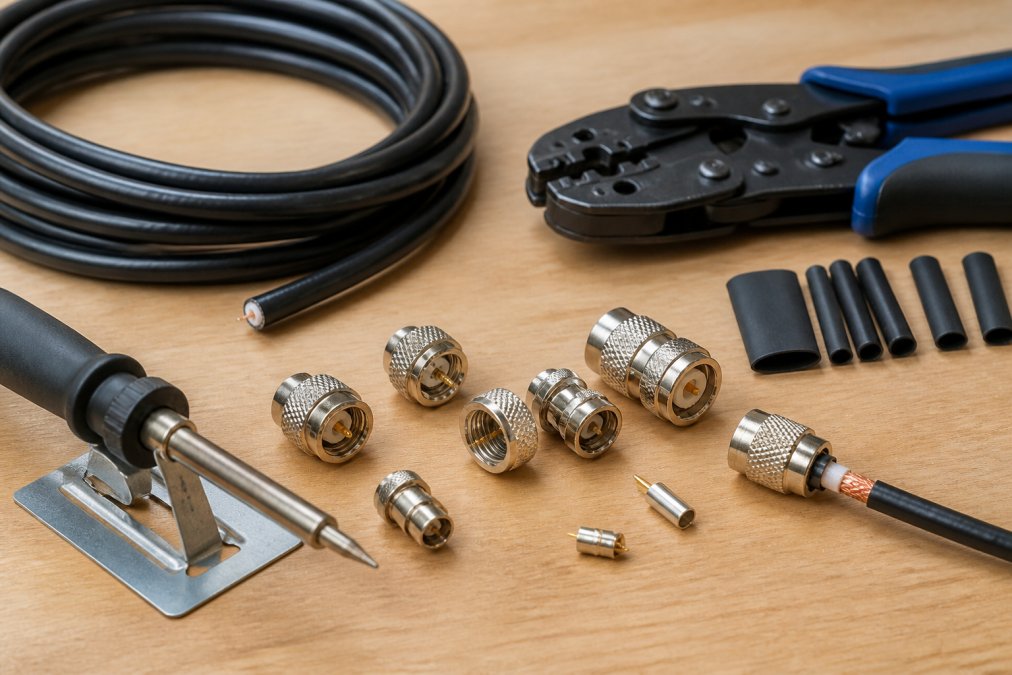
Custom lengths make sense when your feedline distance doesn't match standard offerings or when you need specific connector combinations. Building custom assemblies requires proper tools, a quality crimper, soldering equipment, and connector expertise. According to ABR Industries' custom cable builder platform, their online cable assembly tool simplifies the process for users requiring specific cable tolerances and connector types. This approach works well for technically inclined operators who value precision and customization.
For your first cable or if you're uncertain about assembly, purchase premade. As your experience grows, custom assemblies let you optimize each installation for maximum performance.
Ham Radio Programming Cable Troubleshooting
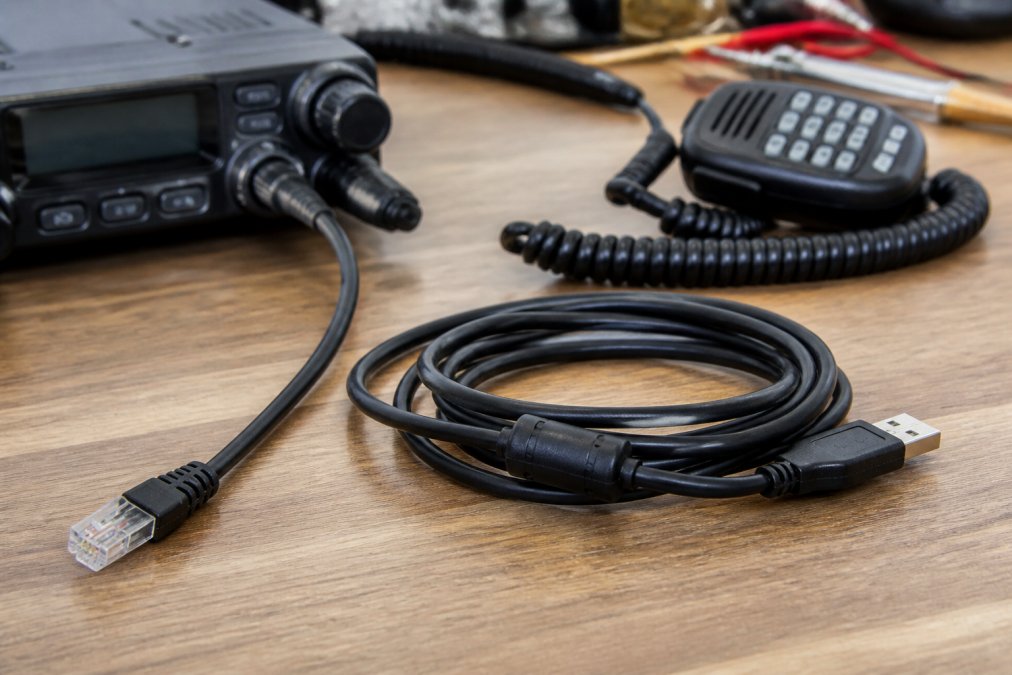
Programming cables connect your radio to your computer, transferring frequency data and settings. When this connection fails, your programming workflow stops entirely. Most issues stem from cable quality, driver problems, or connector corrosion.
No connection detected usually means the cable isn't being recognized by your computer. First, verify the cable works with a different radio or computer to isolate the problem. Check that the connector pins haven't corroded or bent. If the cable passes these tests, the issue likely involves drivers or software configuration rather than the cable itself.
Intermittent connections indicate loose or corroded connectors. Inspect both ends of the cable. Clean connector pins with isopropyl alcohol and a soft cloth. If connections remain intermittent after cleaning, the cable's internal connections may be failing, replacement becomes necessary.
Data corruption during programming transfers suggests signal integrity problems.
How to Fix Radio Driver Errors and Ensure Compatibility
Driver errors occur when your computer doesn't properly communicate with your radio through the programming cable. These errors manifest as "device not found," "port unavailable," or "communication timeout" messages. Fixing them requires systematic troubleshooting.
Essential Tools and Proper Cable Installation
Installing quality cable properly preserves its performance characteristics. This requires specific tools and techniques that even experienced operators sometimes overlook.
Frequently Asked Questions
What's the best coax cable for ham radio?
The best choice depends on your frequency range, power output, and cable run length. RG-213 works well for most base station setups and handles higher power, while RG-58 suits mobile installations where space is tight. For low-loss applications over longer distances, LMR400 outperforms RG-213 by reducing signal attenuation. Always buy from reputable suppliers and verify the cable's impedance is 50 ohm, frequency range matches your radio, and shielding effectiveness meets your interference protection needs.
How do I know if my ham radio cable is high quality?
High quality cables feature solid copper center conductors (not copper-clad aluminum), proper 50 ohm impedance, and complete braid coverage for shielding. Check the manufacturer's specifications for insertion loss, VSWR ratings, and power handling capacity. Reputable suppliers provide detailed datasheets and clearly label cable type, length, and connector specifications. Avoid unmarked cables or those missing technical documentation. Bob from HamRadioSchool advises: 'Buy quality cable from a reputable supplier and read the specifications for that exact cable type.'
Is RG213 better than LMR400?
RG213 and LMR400 serve different needs. RG213 is affordable, handles standard power levels, and works for most amateur radio installations. LMR400 has lower insertion loss and better performance over longer cable runs, making it superior for minimizing signal attenuation on extended feedlines. LMR400 costs more but reduces power loss significantly in high-frequency applications. For runs under 50 feet with moderate power, RG213 performs adequately. For longer runs or critical low-loss requirements, LMR400's performance advantage justifies the investment.
What are the most common ham radio connector types?
PL-259 and SO-239 connectors dominate HF and VHF amateur radio installations. N-type connectors offer superior performance and lower loss at higher frequencies. BNC connectors suit mobile and portable applications where quick disconnect is valuable. SMA connectors appear on handheld radios and test equipment. Each connector type has specific impedance characteristics and frequency limits. Verify your radio's connector type before purchasing cables, as mismatches prevent proper connections and degrade signal quality.